
Problem
Hardware Wallet Broken or Not Responding
A broken or unresponsive hardware wallet (Ledger, Trezor, BitBox and similar) is usually recoverable with the recovery phrase.
Short answer
A broken hardware wallet is usually not loss of the on-chain assets. Recovery depends on what survives: a working device, a valid recovery phrase, enough backup shares or another supported backup, plus any passphrase used.
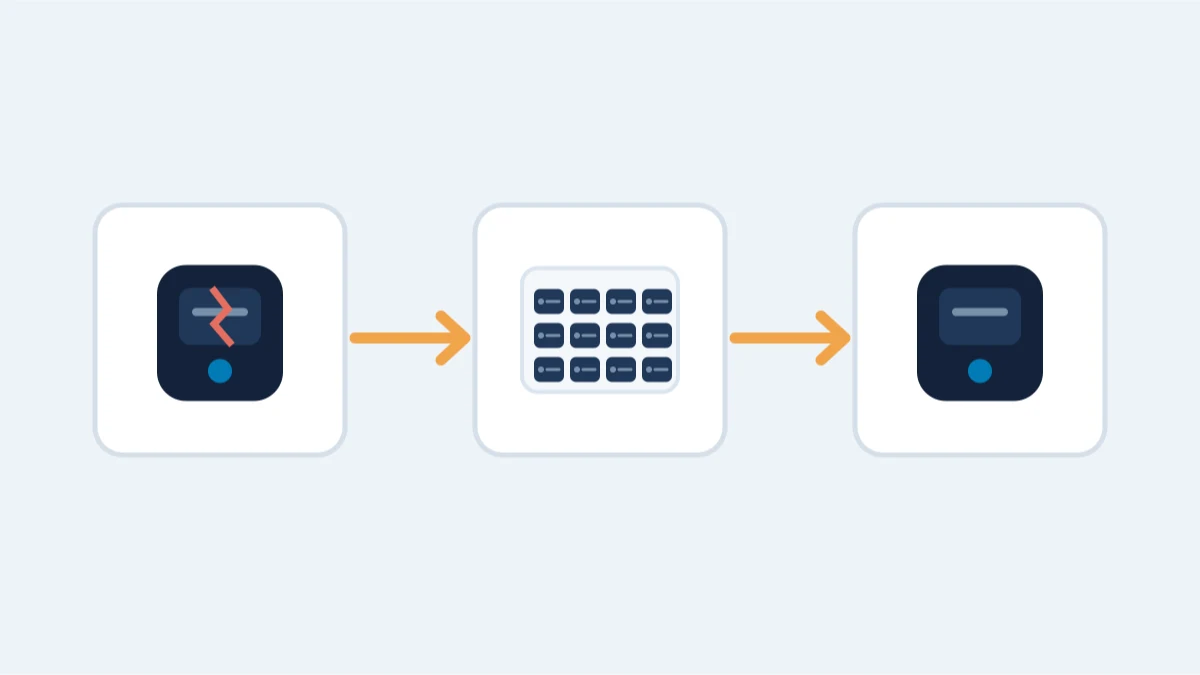
Dead screen, broken USB port, a device that won't turn on — whatever the symptom, don't reach for another PIN attempt, a reset or a firmware update yet. Check what you have first: the device itself, the recovery phrase, and any passphrase you added.
The first rule: do not reset or update blindly
Before doing anything, note what the device does (screen, buttons, connection) and what backup material exists. A reset wipes the device — which is fine only if the recovery phrase exists.
What to check first
- Does the device charge and show any screen? Try a different cable and port before assuming hardware failure.
- Do you have a valid recovery phrase, enough shares or another supported backup — and, if you set one, the passphrase too?
- If the PIN is unknown, stop before further attempts: the "Device by device" section below has the reset limits for Ledger and Trezor, and where to check for any other model.
When professional help makes sense
- The phrase exists but is partial, unreadable or uncertain: reconstructing it is a search problem, not a hardware problem.
- The device holds data you cannot read (e.g., a partially working display) and you need it read off carefully.
- The passphrase is forgotten, or you are not sure which of several phrases or backups belongs to this wallet.
What is impossible
- Permanently erased keys with no usable backup or other surviving recovery material cannot be restored. A device that will not turn on, or has a broken screen or connector, is not necessarily wiped: the model and damage need assessment before ruling recovery in or out.
- Funds already sent to an attacker: transactions cannot be reversed.
Practical notes
- Never enter a hardware-wallet recovery phrase into a website or app that offers to "check" it.
- Store the device, backup and any passphrase separately and securely. Losing one item is not automatically fatal; the remaining recovery path depends on the exact configuration.
Device by device
PIN, reset, backup and firmware rules differ by device; the two most documented are below.
- Ledger: three consecutive incorrect PIN entries reset the device. Restoring the same accounts requires the matching recovery phrase or another backup method configured beforehand, plus any passphrase used.
- Trezor: Safe 7 resets after 10 incorrect attempts; Safe 3, Safe 5, Model One and Model T reset after 16. Restoration then requires a valid wallet backup and any passphrase used.
- Other hardware wallets (BitBox, KeepKey and similar): the PIN, reset and backup rules are the manufacturer's own; check their current instructions before acting.
Preserve the evidence first
Before any repair, photograph the device and its label, note the exact model and firmware if visible, and record what it does on power-up. Do not update firmware blindly: an update can change device behavior and, in rare cases, complicate reading out data that a specialist could have recovered from the old state.
When the phrase is the real problem
A broken device is often the easy part. The harder cases are a partial or unreadable recovery phrase, a forgotten passphrase, or uncertainty about which backup matches which wallet. Those are reconstruction problems, not hardware problems - which is why an honest feasibility assessment matters before any work begins.