
Problem
Unsupported or Unknown Wallet
Not sure which wallet created your file? Identifying the format is the first step: most wallet files have identifiable signatures.
Short answer
An unsupported or unknown wallet is usually just unidentified: the format can often be recognized and restored even when the software is gone. Identify the file from a copy first — extension, structure and era narrow it down — and the recovery route follows from the format.
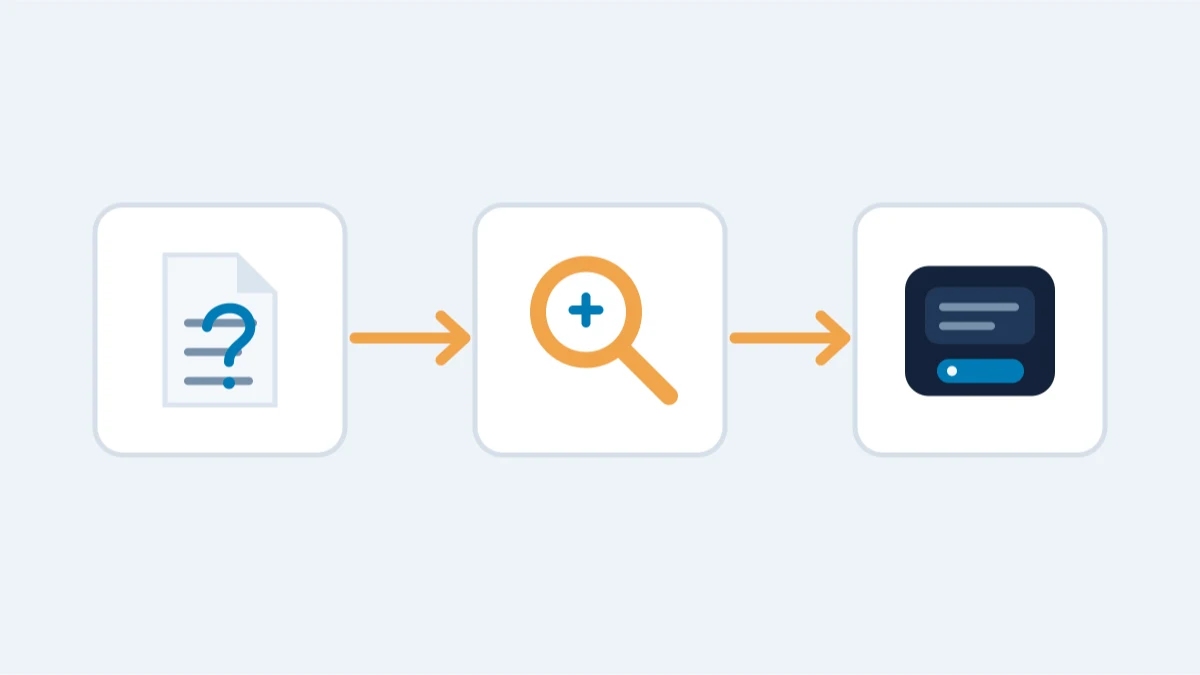
If that's where you are, find every data file the software created before you do anything else — its app-data folder, Documents, Downloads and any backup location — and preserve copies untouched while you work out what you have.
What to try yourself
- Find every data file the wallet created: look in its app-data folder, Documents, Downloads and backup folders. Note the file names, sizes and creation dates.
- Preserve everything before changing anything: copy the files, note which software created them (name, version, website, install date), and keep the original media untouched.
- Search for the software by its exact name plus terms like "wallet file format", "recovery", or "backup". Many discontinued wallets have community-written recovery guides.
- Check the file itself: wallet formats often have recognizable headers (Bitcoin Core wallet.dat, Ethereum keystore JSON, Electrum files) or are plain text/JSON that reveals their structure.
What is realistic
- A known format under an unknown name: very common. The file is often a standard wallet.dat, keystore or BIP-39 phrase in disguise.
- An obscure format with readable data: usually recoverable through format analysis - the keys are in the file even if the software is gone.
- A wallet that stores keys only in the cloud or on a dead device: the cloud or device recovery path applies instead (see broken computer).
What is not realistic
A wallet that existed only as a memory: no files, no phrase, no backup, and no record of the software. There is nothing to identify.
What not to do
- Do not delete the wallet software or its data folder to "start fresh".
- Do not let a generic "wallet recovery" website scan files you upload: you are showing them the material that proves ownership.
- Do not assume the file is useless because the software no longer runs. The file, not the software, is the wallet.
When professional help changes the outcome
Format identification means header analysis, database parsing, key extraction from unknown or obsolete formats, and conversion into a modern wallet - all on copies, offline, with a written agreement first. Request a confidential assessment; tell us the software name, the file names and what you remember about when the wallet was created.
How format identification works in practice
Identification is done on a copy, never by guessing on the original. What we look at:
- File headers and magic bytes: wallet.dat has its own database signature; JSON keystores start with a recognizable structure; SQLite and Berkeley DB files have distinct headers.
- Readable content: JSON keys, an mkey entry, encryption markers, an xprv string, or a plain word list all point to a format family.
- Context: the folder it was found in, the software that created it (name, version, install date), and what else sits in the same directory.
Common disguised formats
An unknown name rarely means an unknown format. A renamed wallet.dat, a keystore JSON with a custom extension, an Electrum file in a backup folder, or a text note with words and a passphrase are all standard formats under unfamiliar names. The first pass is almost always a match.
What to gather before you contact us
The software name and version if you know them, the exact file names and sizes, the folder or device they came from, the approximate creation period, and what you remember about passwords or phrases. That is enough for a free assessment: no files and no secrets need to be sent through forms or chat. Under a written agreement we then work on copies, offline, and tell you honestly what is realistic before any work begins.