
Problem
Wallet Password Rejected
Wallet password rejected? Check the password, keyboard layout and wallet file. Learn how to investigate safely on a preserved copy before starting a search.
Short answer
A rejected password does not prove an encoding problem. Check that you have the correct wallet file, then examine remembered passwords, keyboard layout, capitalization, spaces and special characters. Test only on a preserved copy of a compatible file; do not repeatedly guess a hardware-wallet PIN.
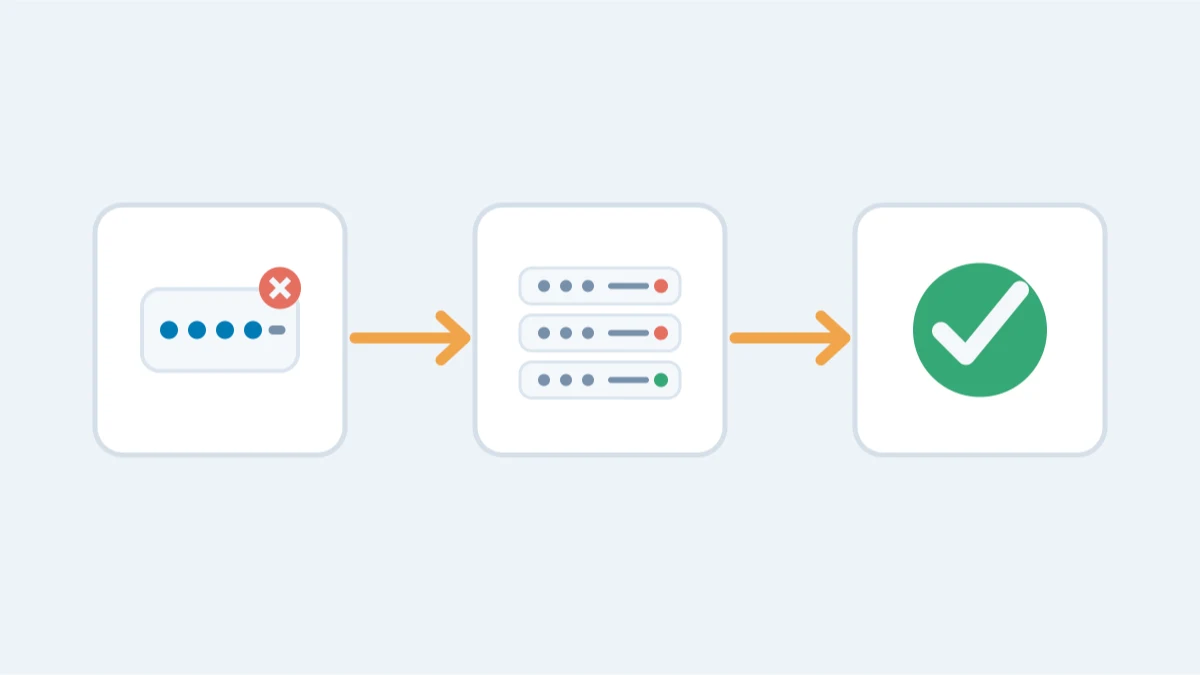
A rejected password can mean the password is wrong, the input differs from the original, the wrong wallet file is being tested or the file is damaged. The error alone does not identify the cause.
Most common causes
- Keyboard layout changed: the wallet was created on QWERTY and you are now typing on AZERTY or another layout.
- Caps Lock or Num Lock differences, or the password was saved by a password manager with a trailing space.
- Special characters: characters like !, #, or accented letters can be stored or typed differently. MultiBit Classic had a known bug where special characters in passwords behaved inconsistently: the wallet accepted them on entry but could not verify them later.
- You are testing the wrong file: multiple wallet.dat files, several Electrum wallets, or an old vault file in a browser profile you no longer use.
- Unicode normalization: accented or non-Latin characters can be typed in two different ways (composed vs decomposed) that look identical but produce different bytes.
- You are entering a password where the wallet expects a PIN, or a recovery phrase where it expects a password.
What to try yourself
Work on a copy, and go through these in order:
- Re-type the password slowly in a plain text editor first: you will often see the mistake immediately.
- Try the keyboard-layout variant of every password you remember (QWERTY vs AZERTY vs QWERTZ).
- Try with and without a trailing space, and with capitalization you are "sure" about reversed.
- Try older passwords from around the same period, not just the one you think is final.
- Verify which file you are testing. Bitcoin Core stores wallets in the Bitcoin data directory; Electrum in ~/.electrum (or %APPDATA%\Electrum); MetaMask in the browser profile's Local Extension Settings.
When the problem is not the password
Sometimes the rejection is a red herring. A corrupted wallet file can reject the correct password, an old wallet.dat may need an older software version to read it, and a hardware wallet PIN rejection is a different mechanism entirely: after too many wrong PINs the device wipes and must be restored from the recovery phrase. In those cases, password testing will not help; see the corrupted wallet file and old wallet pages instead.
What not to do
- If a device is asking for a PIN, stop guessing: wrong PINs wipe a hardware wallet (a Ledger after three attempts, a Trezor after 10 or 16 depending on the model). A wallet password has no such counter — it is tested on a copy of the file, never by retrying on the device.
- Do not delete and recreate the wallet: that erases the encrypted data that is still your best evidence.
- Do not assume the wallet software is broken and "repair" it by reinstalling over your only data files.
When professional help changes the outcome
If your password feels right but is rejected, the file itself can often reveal why: the password-hash header can be extracted and tested with systematic mutations — layout swaps, character substitutions, near-misses. Tools such as btcrecover handle this kind of structured search. A professional can also tell you whether the file is corrupted rather than the password wrong.