
Problem
Wallet Backup Locked in an Encrypted Zip or Document
Your wallet backup is inside a password-protected zip, document or PDF. And the password is gone. What is recoverable, what is not, and what to send.
Short answer
If your wallet backup is locked in an encrypted ZIP, 7z, Word, Excel or PDF, the wallet material still exists — the container is the lock. Recovery is a password search on the container.
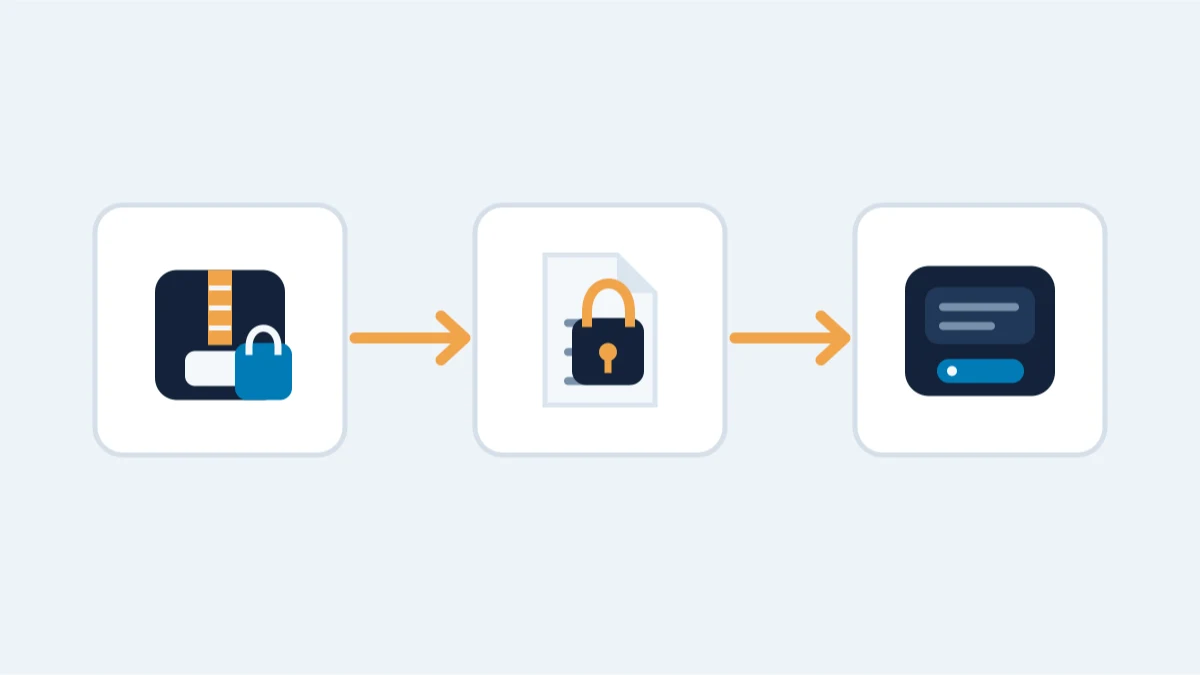
Work out which kind of container you have before anything else — a ZIP or 7z archive, a Word or Excel file, or a PDF — because the format decides how the search runs and how strong the encryption underneath actually is.
What you are actually dealing with
- ZIP and 7z archives holding a seed phrase, key file, old wallet backup or paper-wallet export
- Word (.docx) and Excel (.xlsx) documents with wallet information
- PDF files, including paper-wallet exports and backup instructions
Unlocking the container is only the first step if the wallet file inside is itself encrypted. A wallet.dat or keystore behind a zip password can still need its own password recovery afterwards.
What to try yourself
- Confirm which program and version created the file, and roughly when.
- Try your usual password patterns by hand: case variations, a year at the end, common symbols.
- Check your password manager and old notes before assuming the password is gone.
- Always work on a copy — never the only original.
What is realistic
- Legacy ZIP encryption (ZipCrypto): often openable quickly. The encryption itself is the weakness, not the password; even a long password often does not protect the file.
- WinZip AES, 7z AES-256, and current Office and PDF encryption: the encryption is sound, so the search is against the password. A short, patterned or reused password makes it more focused; for Office and PDF the file version matters as much as the password.
- Password-manager exports: the manager's own encryption rules apply; the export password is the lock.
- In every case, memory matters more than the format: length, a base word, a pattern, the year, a phrase you used at the time.
What is not realistic
A long, random password with no pattern you can describe is not a realistic search target on a modern AES container: every candidate costs the same deliberately slow key derivation, and there is nothing to narrow the space with. An unknown format with no clues has the same answer: the container has to be identified before anyone can say whether a search is bounded, and no honest estimate can be made from a file extension alone.
What not to do
- Never upload the archive or its contents through forms, chat or email.
- Do not keep testing on the only original; work only on a copy.
- Do not run random "crackers" or tools found online: several are designed to harvest the very files they claim to open.
Encrypted disks and volumes (BitLocker, VeraCrypt, FileVault)
A wallet backup doesn't have to sit in an archive — sometimes the whole drive is the container. If you know the disk password, you can open the volume and assess the wallet file inside separately. Before considering a password search, check any recovery option already configured for that encryption system. A BitLocker recovery key, or an available FileVault recovery key or account-based recovery option, may unlock the volume without the forgotten password. VeraCrypt does not provide an equivalent account-based password reset. If no usable access or recovery option remains, assess whether a password search is feasible; preserve the original drive and work from an image where its condition permits.
Two constraints apply here. Disk encryption uses deliberately slow key derivation — VeraCrypt especially — so testing runs far slower than on a typical wallet file. And if the drive itself is failing, the hardware comes first: see wallet on a broken computer or drive before anything touches it.
When professional help changes the outcome
The search runs on a copy, offline, with the same candidate-based process we use for wallet passwords. What helps: the container type and what you can see in its properties, whether it was created by an old tool, and everything you remember about the password. Under a written agreement we work on a copy of the container in a controlled offline environment — the same evidence discipline as every wallet case — and hand the unlocked material back to you. See password recovery for help with a locked backup.