
Problem
Forgot Wallet Password
Forgot your wallet password? What to try yourself, when professional recovery is realistic, and when it is not.
Short answer
If the encrypted wallet file or software vault still exists, recovery is a search: candidate passwords are tested against the encrypted data, never stored anywhere, and a remembered length, pattern or old password narrows the field.
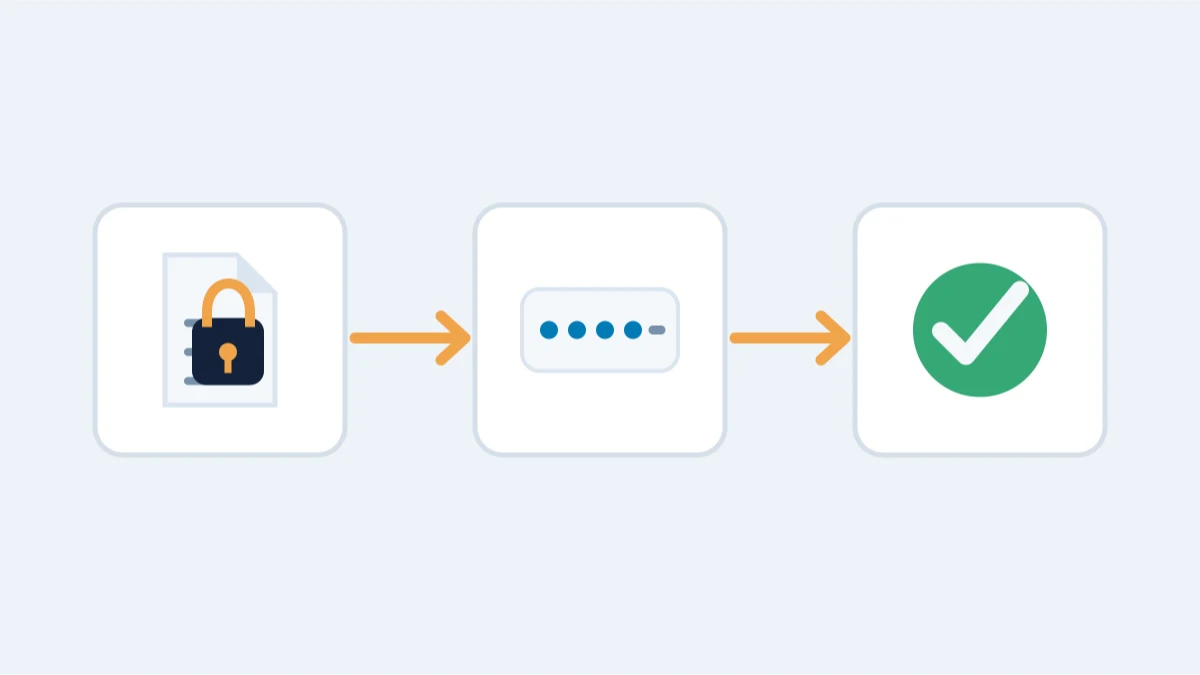
You can still see the wallet file or vault, but the password that opens it is gone — a very different problem from losing the wallet itself. Start by writing down anything you remember before you test a single guess.
What you actually have determines everything
Before trying anything, take stock:
- The encrypted wallet file or software vault itself (a wallet.dat, an Electrum wallet file or a MetaMask vault).
- Anything you remember about the password: length, characters, a pattern, a phrase, a keyboard layout. Memory matters more than precision.
- Old backups: laptop images, cloud drive copies, external disks, password managers, notebooks, recovery sheets.
Write down what remains — even vague clues — before touching anything.
What you can safely try yourself
Work on a copy of the file, never on your only copy. Then, in this order:
- Check password managers, old browsers, notes apps and printed recovery sheets. Most "forgotten" passwords were written down somewhere.
- Try the obvious variants: capitalization, keyboard layout, digits instead of words, the year you created the wallet.
- For Bitcoin Core wallets, unlock with the walletpassphrase command on a copy of the data directory. For MetaMask, if you remember the password, the official vault decryptor exports your recovery phrase offline.
- If your wallet has a recovery phrase, restore it into the same wallet software and set a new password: you do not need the old password at all.
Each wallet family behaves differently: Bitcoin Core encrypts wallet.dat with AES-256-CBC derived through at least 25,000 rounds of hashing; Electrum encrypts its wallet file; MetaMask stores an encrypted vault in your browser profile.
When recovery is realistic — and when it is not
- Realistic: the encrypted file or software vault still exists. That alone is enough to test password candidates against it.
- More realistic still: you remember something about the password — its length, a pattern, an old variant, the year you set it. Every fragment narrows the search.
- Not realistic: no encrypted wallet file, software vault or backup exists anywhere. There is nothing to search.
A free assessment tells you which of these applies to your case, before any agreement.
What not to do
- Do not test repeated guesses against your only live copy. Preserve the original and work from a copy where the format permits offline testing.
- Do not reinstall, update or migrate the wallet before you have a backup of its data files.
- Do not upload wallet files or recovery phrases to random websites or "instant recovery" services.
When professional recovery changes the outcome
Professional recovery does three things you usually cannot do yourself: it extracts the exact password-hash format of the wallet, it builds structured candidate lists from the available case information, and it runs the search on GPU systems with tools such as btcrecover. Which candidate-search strategy fits depends on the wallet format and what you remember, and slow key derivation limits how fast any of them can test.
See the password recovery service and the wallet-specific guides below.