
Problem
Corrupted Wallet File
A corrupted wallet file is not automatically a lost wallet. Stop using the drive, work on copies, and assess what is still readable.
Short answer
A corrupted wallet file may still contain recoverable data. First distinguish file corruption from a physically failing drive: stop using unstable hardware and get it assessed. If the drive is stable and readable, preserve a copy on a separate drive and attempt file repairs only on duplicates.
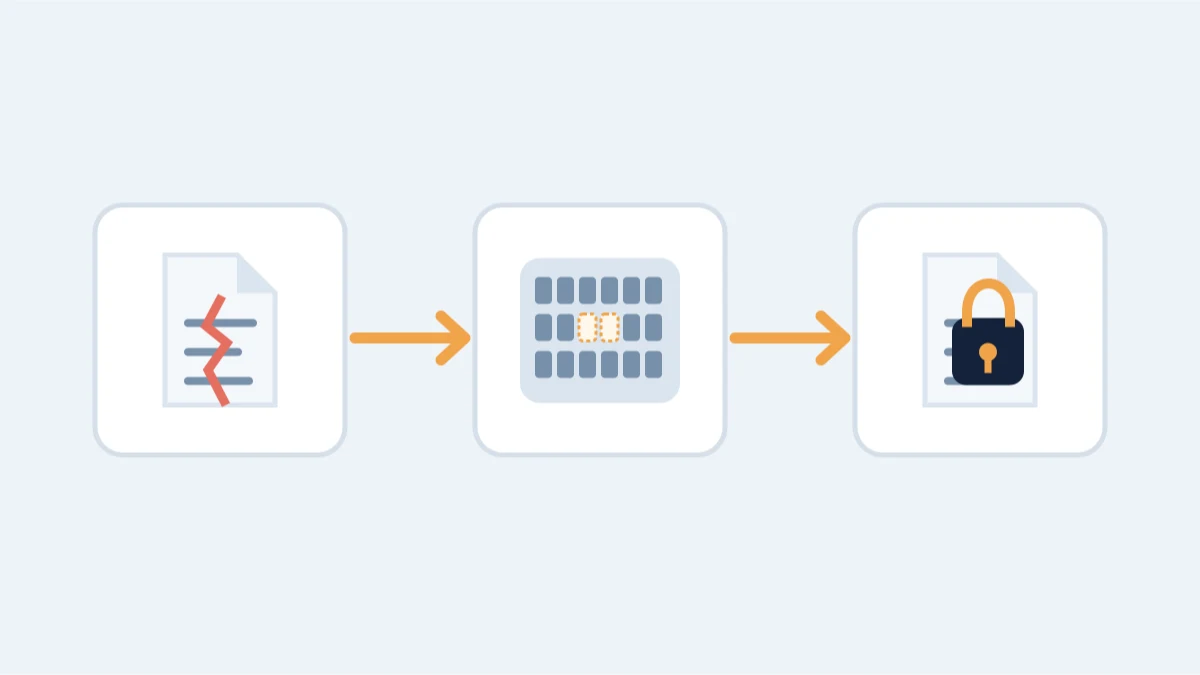
Whether it’s a wallet.dat that will not load, an Electrum wallet that fails to decrypt or a truncated backup, stop writing to the source drive. The next step depends on whether the file is damaged or the drive itself is failing.
First: stop using the drive
Stop writing to the source drive: every new file, installation or sync can overwrite recoverable data. If the drive makes abnormal grinding noises, repeatedly disconnects or shows other signs of physical failure, stop using it and seek a specialist diagnosis before attempting a copy or image. Repeated starts and DIY repair attempts can make the damage worse.
If the drive is stable and the problem is limited to the file, preserve a copy on a separate, healthy drive before working on it. A raw disk image may be appropriate when filesystem or deleted-file recovery is needed; tools such as ddrescue require correct source and destination selection. Never write the image back to the source drive, and perform repairs only on a duplicate.
What to try yourself
- Only if the drive is stable and readable, copy the wallet file to a separate, healthy drive before testing it. Keep the original untouched.
- Identify the wallet software and file format before opening a copy. Do not assume the newest Bitcoin Core version can load every old wallet.dat: version 30.0 removed loading support for legacy Berkeley DB wallets. These require a compatible recovery or migration procedure.
- Bitcoin Core 0.21.0 replaced the
-salvagewalletstartup option with thesalvagecommand inbitcoin-wallet; it was not an RPC. Whether salvage is applicable depends on the wallet format and tool version. Work only on a copy. - Use
-reindexonly when diagnostics point to blockchain-data problems. It rebuilds chain state and block indexes; it does not repair a corrupted wallet.dat. - Check for backups you forgot: laptop Time Machine or File History, cloud drive sync folders, phone photos of recovery sheets, old external disks.
What is realistic
- A partially corrupt wallet.dat with surviving database records: keys are usually recoverable.
- A truncated or damaged file on a preserved drive: file carving is case-dependent but often possible.
- An Electrum wallet file that will not open: if you still have the seed, restore it; if not, the encrypted file can still be analyzed.
- A completely overwritten or zeroed file, or a drive that has been formatted and reused: much harder, sometimes impossible.
What not to do
- Do not run "repair" tools on your only copy: test on a copy first.
- Do not format or reinstall the operating system while the wallet data is still on the drive.
- Do not upload the wallet file to a random website for "repair".
When professional help changes the outcome
Damaged-file recovery runs on database-level repair of Berkeley DB and SQLite wallet files, key extraction from surviving records, file carving on raw images, and correct handling of legacy formats. We work on copies in a controlled, offline environment. Request a confidential assessment: the file itself stays with you.