
Blog
Coinbase Wallet: Restore Access With or Without Your Recovery Phrase

In short
Coinbase account recovery and Coinbase Wallet recovery are different processes. The exchange account has an identity-based support route; a self-custody wallet depends on its own recovery credentials. Identify the product before resetting or deleting an app.
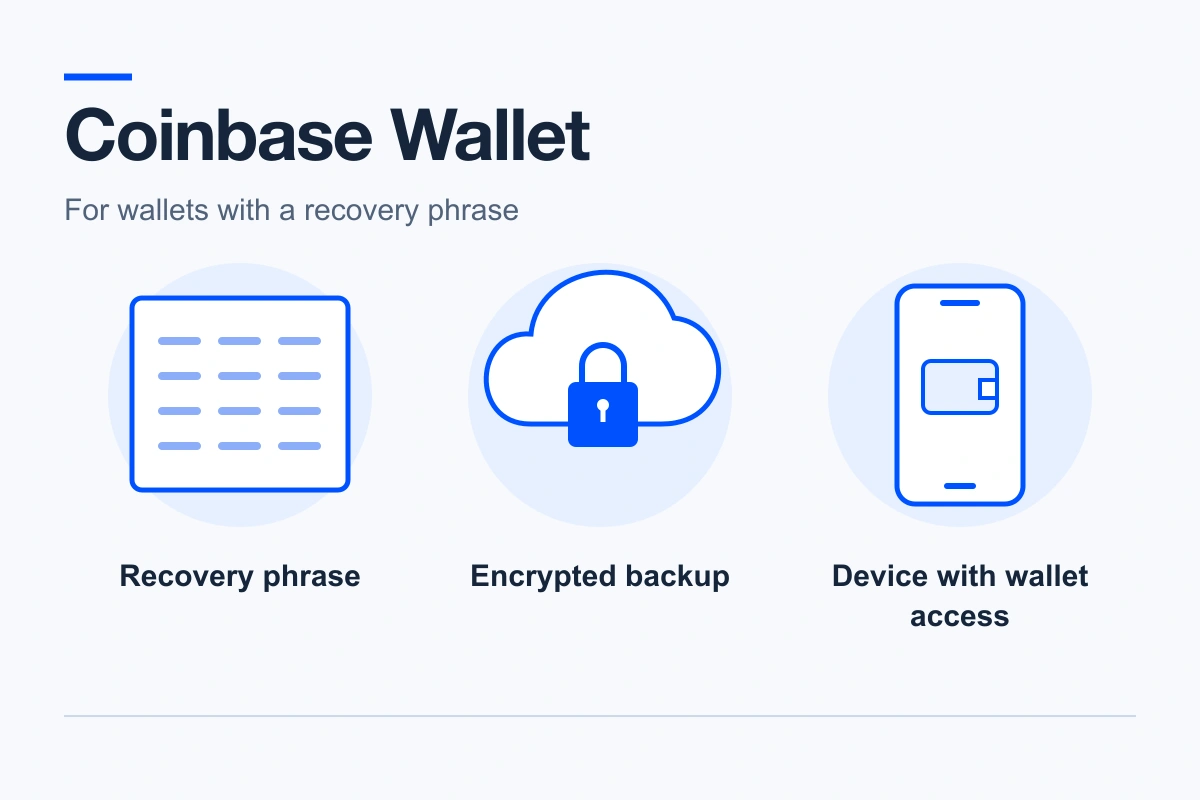
- A phrase-based wallet can be restored from its correct 12 words or a previously enabled encrypted cloud backup with the required access and backup password.
- An accessible installation may still let you back up the phrase after authentication.
- Smart Wallet/Base account access follows its passkey and configured recovery options, not automatically the same 12-word procedure.
If restoration shows an unexpected balance, compare the original address, network and account. Partial backups need assessment; Coinbase cannot recreate missing private keys.
You’re locked out of your Coinbase Wallet. Maybe the phone is gone, the app was deleted, or the 12 words you wrote down are being rejected. Coinbase wallet recovery works very differently depending on which Coinbase product you actually hold, so take two minutes to get that straight before you try anything: the wrong move here can close off options that still exist.
Which Coinbase are you locked out of?
Most people assume Coinbase support can restore their wallet. For the product called Coinbase Wallet, they can’t, and that’s by design. Coinbase runs three different products under one name:
- The Coinbase exchange (the main app where you buy and sell). Coinbase holds the keys for you. If you forgot your password or lost your 2FA device, Coinbase support can verify your identity and restore the account. That process runs through help.coinbase.com and nowhere else.
- Coinbase Wallet (the separate self-custody app). You hold the keys, in the form of a 12-word recovery phrase generated on your device. Coinbase never sees that phrase and keeps no copy: there is nothing at their end to reset.
- Coinbase Smart Wallet (the newer passkey-based wallet). No seed phrase by default. Access runs through a passkey stored on your device or in your password manager, and recovery follows its own procedure, covered further down.
If your problem is an exchange login, stop reading and go through the official Coinbase account recovery flow. Everything below is about the self-custody products, where the keys are yours and so is the recovery problem.
Before you do anything else
Stop guessing. Every guessed variation you type into the app teaches you nothing if you’re not recording it, and typing your words into anything other than the official wallet app can cost you everything. So first: write down, on paper, every version of the phrase you have and everything you remember about it. Which words you’re sure of, which you’re not, where you copied it from.
And one rule with no exceptions: never enter your recovery phrase into a website, a “phrase checker,” or a form someone sent you. Do not read it to anyone on the phone. There is no legitimate use for your 12 words outside the wallet app itself.
What you still have decides what’s possible
Work through these from the top. Each one assumes the previous didn’t apply.
The app is still logged in somewhere
This is the best position to be in, and people overlook it constantly. An old phone in a drawer, a tablet, a browser extension on another computer: if any device still opens the wallet, your phrase is retrievable right now. In the app, go to Settings > Recovery Phrase, confirm with your passcode or biometrics, and write the 12 words down on paper. Check an old device before you conclude the phrase is gone — clients find logged-in sessions on hardware they’d stopped using years ago.
You enabled the cloud backup
Coinbase Wallet offers an optional encrypted backup of your recovery phrase to iCloud or Google Drive, locked with a password you chose. If you ever tapped ‘Back up to iCloud’ or ‘Back up to Google Drive’, install the app, choose ‘I already have a wallet’, pick the cloud restore option while signed in to the same Apple or Google account, and enter that backup password.
Forgot the backup password? That’s a real problem, but a bounded one. The encrypted backup still exists in your cloud account, and a password can be tested systematically: length, the words or dates you tend to use, the general shape of what you’d have typed. GPU-based tools run through hundreds of thousands of candidates per second, and where technically possible we work from data extracted from the encrypted backup rather than ever needing the password itself.
You have all 12 words and a new device
Straightforward, done carefully. Install Coinbase Wallet from the official app store listing, select ‘I already have a wallet’, then ‘Restore with recovery phrase’, and type the words lowercase, in order, single spaces, no punctuation. The app rebuilds your keys from the phrase and your balances load from the blockchain. Nothing was stored in the old phone but the keys; the funds never left the chain.
The phrase is rejected
BIP-39 phrases include a checksum. Rejection can indicate a misspelled word, an incorrect word count or order, a failed checksum, or a backup format the app does not support. A valid phrase from another wallet is not invalid merely because it belongs to a different wallet: it may be accepted but derive different accounts.
Here’s why a rejected phrase is frequently still workable: one wrong word means at most 2,048 candidates per position, and the checksum eliminates most combinations before anything needs testing. That’s a search a computer finishes quickly. An invalid phrase is a reconstruction problem, not a dead end.
The phrase was accepted but the balance shows zero
Check which account and network you restored before drawing conclusions from a zero balance.
A valid phrase can belong to another wallet, but the same phrase can also derive several accounts with different addresses. Compare the restored receive address with the address you actually funded, on the same network. If you sent crypto from the Coinbase exchange, its transaction history shows the destination address; check that address on the relevant public explorer, such as etherscan.io or mempool.space. If the address differs, check the selected account, network and derivation path before deciding that the phrase is wrong. If the address matches and funds remain on-chain, check whether the app supports and displays the relevant network and token.
Another possibility is an unauthorized transfer. If the address matches and you find transactions you did not authorize, preserve the transaction details; that alone does not show how access was obtained. We don’t take stolen-crypto or scam cases: blockchain transactions are irreversible, and any service claiming to reverse one is describing something that cannot be done. Report it to law enforcement (in the US, ic3.gov) and never add new funds to that wallet.
Words are missing
A partial phrase is often recoverable — the math depends on how many words are gone and whether you know their positions. There is no universal ceiling expressed as a word count: length and format, which positions are open, any letters you can still read and a public address to validate candidates against all feed into it. How that works is covered in full in our guide to recovering a missing word from your recovery phrase.
You have nothing
No phrase, no logged-in device, no cloud backup, no written fragment. This is the one scenario where the honest answer is that no recovery path exists, from us or from anyone: 12 unknown words from a 2,048-word list is a search space no computer on earth gets through, and Coinbase holds no copy to fall back on. Anyone who tells you otherwise is after your money or whatever coins you have left. A 2,048-word list with twelve unknown positions is not a search anyone completes — that is the honest limit, not a sales pitch.
Smart Wallet: when the passkey is the problem
Coinbase Smart Wallet replaces the seed phrase with a passkey, so losing access here means losing the passkey — typically by losing the device or the Apple, Google, or password-manager account that synced it. Coinbase’s own recovery route lets you generate a recovery phrase as a backup signer while you still have access to the original passkey and use it on the ‘Recover Passkey’ page; because the wallet is a smart contract, signer changes cost a network fee. Follow the procedure at help.coinbase.com exactly. If you set up that backup phrase and it’s now incomplete or rejected, the reconstruction scenarios above apply to it the same way.
The fake support numbers filling your search results
Search for help with this exact problem and you’ll find pages insisting you call a Coinbase support line, planted on quote sites, forums, and PDF uploads to university domains. Every one of those phone numbers is a scam. The scheme is consistent: a convincing agent, then a request to “verify” your recovery phrase or install remote-access software, then a drained wallet.
The technical reality makes the scam easy to spot. A self-custody wallet cannot be restored by anyone over the phone, because no company holds the keys — that includes Coinbase, and it includes us. Coinbase will never ask for your recovery phrase, and legitimate recovery services don’t cold-call, don’t charge upfront, and don’t guarantee results.
How firm should the never-type-your-phrase rule be? Firm enough that when Coinbase itself published a Commerce shutdown page in March 2026 asking merchants to type their 12 words into a web form, security researchers publicly condemned it. If even an official page gets that reaction, a page you found through a search result deserves none of your words.
Protect the next ten years
Once you’re back in, spend ten minutes making sure this never happens again. Write the phrase on paper as a minimum; a stamped metal backup survives the fire and flood that paper doesn’t. Keep it out of screenshots, notes apps, email, and photo libraries, where a phone breach exposes it instantly. And test the backup once: read it back word by word against Settings > Recovery Phrase before you rely on it.
FAQ: Coinbase Wallet Recovery
I entered my 12-word recovery phrase on a new phone, but my coins are gone and the wallet address is different. Did Coinbase Wallet glitch?
A different address alone does not establish the cause. You may have restored another valid phrase, or selected a different account or network; derivation settings can also differ between wallet apps. Compare an address you previously used on the same network. If your old phone still opens Coinbase Wallet, check the original phrase and account in the app without deleting its data. Use the appropriate blockchain explorer, such as Etherscan for Ethereum, to check the balance and transaction history at the original address.
How do I restore Coinbase Wallet after losing my phone?
You can restore your Coinbase Wallet using one of three methods: Your 12-word recovery phrase. Your encrypted iCloud or Google Drive backup together with its backup password. Another device where your Coinbase Wallet is still logged in. Install Coinbase Wallet on your new device, select “I already have a wallet”, and restore using your recovery phrase or cloud backup. Your cryptocurrency is stored on the blockchain, not on the phone itself, so your balances will appear again once the correct wallet is restored.
Can I recover my Coinbase Wallet if I lost my recovery phrase?
Recovery is only possible if you still have another way to access the wallet, such as a logged-in device or an encrypted cloud backup that you previously enabled. Coinbase does not store copies of recovery phrases and cannot restore a self-custody wallet for you. If you only have a partial, damaged, or invalid recovery phrase, recovery may still be technically possible depending on the information available. A single misread or wrong word is at most 2,048 candidates to test against your wallet address, and the built-in checksum rules out most of them before any testing starts. More missing or uncertain words increase that number quickly, which is what a case-by-case assessment measures.
Someone claiming to be “Coinbase Support” called me about my wallet. Is it legitimate?
No. Coinbase does not contact customers by phone to recover a self-custody wallet, and no legitimate support representative will ever ask for your recovery phrase. If someone requests your recovery phrase or asks you to enter it on a website, it is a scam. If you have already shared any part of your recovery phrase, consider it compromised. Create a new wallet under your own control and transfer your cryptocurrency to the new wallet as soon as possible.