
Knowledge base
Wallet Formats: Identification, Encryption and Recovery by Format
Each wallet format has its own files, encryption scheme and recovery route. This is the format-by-format reference for identification and what is possible.
Short answer
A wallet format determines how to identify the file, which encryption protects it, and what a recovery search can use. Identifying the format is the first step in any recovery.
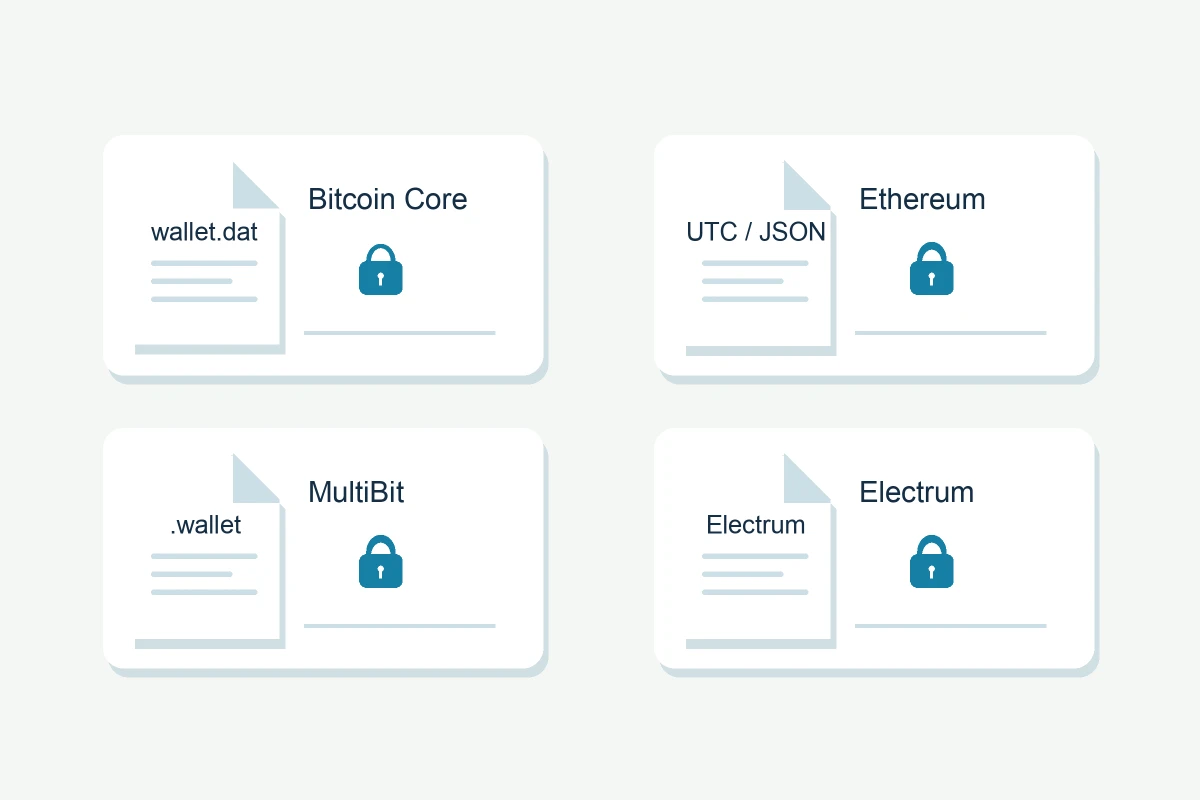
A wallet format determines everything downstream: how to identify the file, which encryption protects it, and what a recovery search can use. The quick identifier is in our wallet-file guide; this reference adds the technical detail per format.
Bitcoin Core wallet.dat
- Files: wallet.dat (Berkeley DB in legacy versions; SQLite and descriptor formats in modern ones)
- Encryption: AES-256-CBC around the key material, unlocked by the wallet password
- Recovery: password search against the encrypted key data, on a copy; the hash (the $bitcoin$ line) can be shared instead of the file
Electrum
- Files: default_wallet (JSON), wallet files per account
- Encryption: user-chosen password protecting encrypted keystores; seed-based derivation (Electrum seed system)
- Recovery: open in Electrum; wrong password means a password search; a seed of the right era restores the wallet
MultiBit Classic and MultiBit HD
- Files: .wallet (Classic), mbhd.wallet.aes, an AES-encrypted bitcoinj protobuf wallet (HD)
- Software discontinued; downloads from unofficial sources are a malware risk
- Recovery: password against the encrypted file; HD-era wallets can restore from their seed
Blockchain.com legacy
- Files: wallet.aes.json (wallet backup encrypted with the main password)
- Optional second password: adds encryption to private key material inside the wallet; it is not the password for the outer backup file
- Recovery: identify which password is missing. To search for a second password from an encrypted backup, the outer layer must first be decrypted with the main password.
Ethereum keystore / UTC JSON
- Files: UTC--timestamp--hex.json, keystore files
- Encryption: scrypt or PBKDF2 key derivation with AES-128-CTR cipher (fields: crypto, cipher, kdf, mac)
- Recovery: password against the keystore; any Ethereum wallet supporting keystore import can then open it
App vaults
- MetaMask vault, Jaxx, Coinomi, Exodus and similar: app-specific JSON vaults with their own KDF and cipher settings
- Recovery: app-specific; the vault is tied to the software that created it
Other formats
- Monero: .keys files encrypted with the wallet password, plus a 25-word seed
- Solana: keypair JSON (base58 or byte array); Polkadot: JSON backup with password encryption
- Paper wallets: WIF or QR; sweep once into a fresh wallet
- Brain wallets: a passphrase turned directly into a key; recovery is a passphrase search, not a file problem
The pattern
Every format reduces to the same question: which encrypted material exists, which KDF and cipher protect it, and what do you remember about the password? Once you can answer that, the recovery methods reference maps it to a route.
Still locked out?
The first assessment is free, and it asks for no wallet secrets. Describe what you still have — a file, a phrase, a device, or what you remember — and we’ll tell you whether recovery is realistic. You only pay if the recovery succeeds.