
Blog
Forgot Trezor PIN? Here's How to Recover Access After a Wipe

In short
A forgotten Trezor PIN can normally be replaced by wiping the device and restoring from a verified wallet backup. The old PIN is not needed for that restore, but any passphrase used for a hidden wallet still is. Do not wipe or keep guessing if your backup is missing or uncertain.
Failed-attempt limits differ by model: Safe 7 resets after 10 incorrect attempts; Safe 5, Safe 3, Model T and Model One after 16. Check the model before another attempt. If recovery words are missing or the passphrase is forgotten, preserve the device and seek an assessment first. That is a different problem from resetting a PIN, and no recovery outcome can be guaranteed.
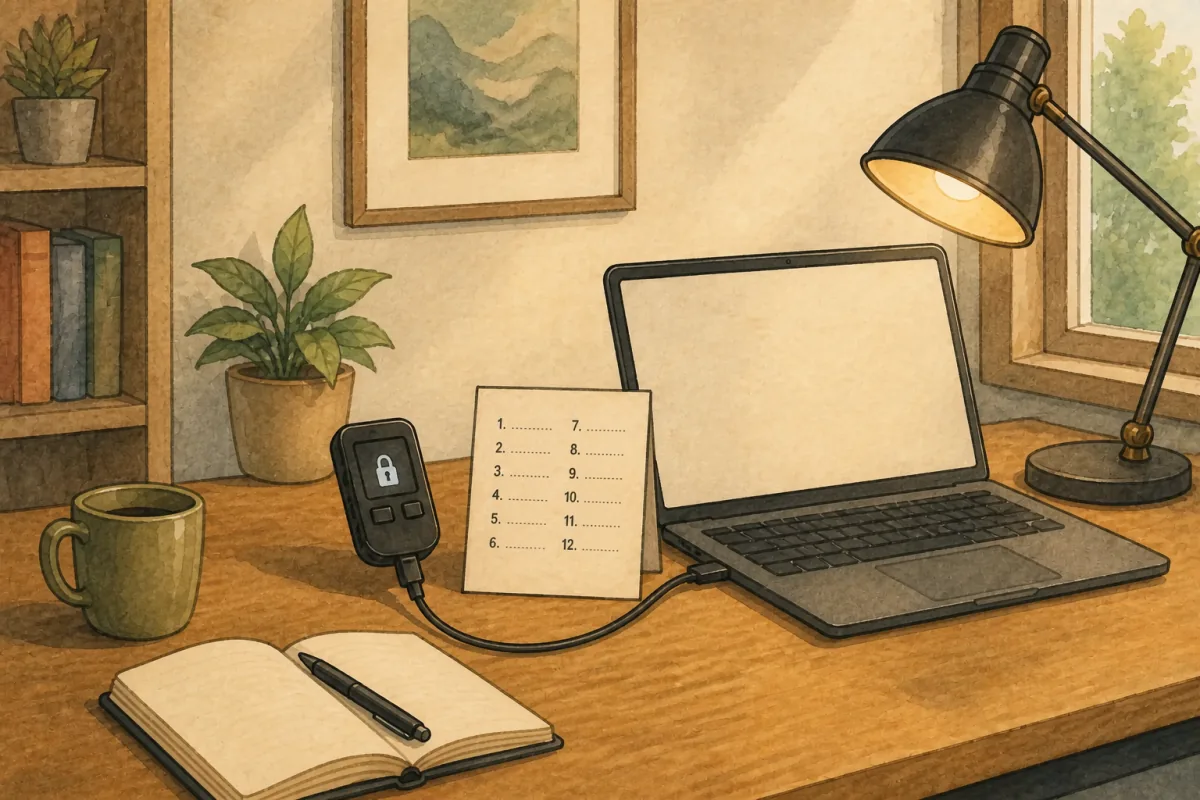
Forgot your Trezor PIN? A forgotten PIN feels like a locked door with no key, but your crypto never lived on the device in the first place — it sits on the blockchain, and the Trezor is only the key that signs for it. A usable backup and any passphrase used can restore access on a compatible Trezor. Check whether your backup uses BIP-39 or SLIP-39 before choosing a replacement. Missing a few words, or can’t read your own handwriting? What matters now is that seed, and how many PIN attempts the device has left.
What Happens When You Enter the Wrong Trezor PIN
A Trezor PIN can be up to 50 digits long, and it exists for one reason: to stop anyone who isn’t you from opening the wallet on the device. Once it’s set, there is no supported way to look it up. If you forget it, the normal recovery route is to wipe the device, restore the wallet from its backup, and choose a new PIN.
PIN entry and verification differ by model:
- Trezor Safe 7, Safe 5 and Model T show a shuffled PIN keypad on the device touchscreen.
- Trezor Safe 3 lets you scroll through digits with its buttons and select a digit by pressing both buttons.
- Trezor Model One uses a blind matrix in Trezor Suite; the randomized digit positions appear only on the Trezor screen.
- Safe 7 verifies the PIN inside two Secure Elements, while Safe 5 and Safe 3 use one Secure Element. Model T and Model One have no Secure Element; on those models the PIN encrypts the private keys stored on the device.
Every current model has a fixed failed-attempt limit. Reaching it factory-resets the device and erases the local wallet. That makes repeated guessing a poor strategy, especially if the wallet backup has not been verified.
How Many Wrong PIN Attempts Before Trezor Wipes?
Here is how many incorrect attempts each model allows before it wipes itself and erases the local wallet, according to Trezor’s current PIN documentation:
| Trezor model | Wipes after |
|---|---|
| Trezor Safe 7 | 10 incorrect attempts |
| Trezor Safe 5 | 16 incorrect attempts |
| Trezor Safe 3 | 16 incorrect attempts |
| Trezor Model T | 16 incorrect attempts |
| Trezor Model One | 16 incorrect attempts |
If you still have the device and haven’t hit the limit, stop and slow down. Write down every PIN combination you think it could be before you try anything. That way you won’t repeat the same guess twice and burn attempts you can’t get back.
Still Have Your Device? Do This Before You Guess
The biggest mistake people make with a forgotten Trezor PIN is guessing in a panic. Every wrong entry brings you closer to a wipe, and the wipe is only survivable if your seed is complete.
Before you touch the device again:
- Confirm you have your full recovery seed written down and readable. This is your safety net.
- List every plausible PIN on paper: old bank PINs, dates, patterns you tend to use.
- Cross off each one as you try it, so you never repeat a guess.
- If you run low on attempts and still aren’t sure, stop guessing. A wipe plus a good seed is recoverable. A wipe without a seed is not.
If you don’t have your seed and you’re close to the attempt limit, that’s the moment to pause and consider help before the device wipes itself.
How to Enter Bootloader Mode and Reset Your Trezor
If you’ve decided to wipe the device and restore from your seed, follow Trezor’s current factory-reset instructions. Bootloader entry differs by model.
Trezor Model One: hold the left button while connecting the USB cable. Select “Wipe device” and confirm.
Trezor Model T: swipe up on the touchscreen while connecting the USB cable. Select “Factory reset.”
Trezor Safe 3: hold the left button while connecting the USB cable. Confirm the wipe on the device.
Trezor Safe 5: swipe across the touchscreen while connecting the USB cable, then follow the on-screen prompts.
Trezor Safe 7: with the device powered off, hold down the power button until a blue screen appears, then connect it via USB or Bluetooth and choose Factory reset.
Once wiped, the device restarts like new and is ready for a fresh setup.
“Only wipe your Trezor if you have your complete seed phrase. Wiping without a valid seed means permanent loss of access.” Robbert Bink, Founder of Crypto Recovers
Your Trezor Is Wiped. How to Recover Your Wallet
If the device is already wiped, your funds are still safe on the blockchain. The only thing erased was the local copy of your wallet on the device, and that copy can be rebuilt from your recovery seed.
To restore everything:
- Get a new Trezor, or use your freshly wiped device.
- Select “Recover wallet” during setup.
- Enter the backup words in their recorded order. For BIP-39, use the original 12-, 18- or 24-word phrase. For SLIP-39, use the required number of complete 20- or 33-word shares on a compatible model; Model One does not support SLIP-39.
- Set a new PIN.
There is no supported reset that reveals a forgotten PIN. Before checking an unreadable or rejected backup, identify its format: BIP-39 uses a 2,048-word list; SLIP-39 uses a different 1,024-word list and requires enough shares to meet the configured threshold. Do not change a SLIP-39 word merely because it is absent from BIP-39. A BIP-39 word error may fail the checksum or, if the changed phrase is still valid, derive another wallet. For a deeper walkthrough, see our Trezor wallet recovery guide.
Quick Recovery Overview
Not sure where you stand? This table gives you a fast read on your situation and what to do next:
| Situation | What to do | Realistic outcome |
|---|---|---|
| Complete seed phrase | Restore on a new or wiped Trezor | Reliable |
| 1 to 4 missing seed words | Manual search or recovery service | Search time grows from minutes to months as more words are missing |
| Forgot passphrase (25th word) | Professional assessment may help | Requires case-specific assessment |
| Device intact, PIN forgotten | Stop guessing, list candidates first | High risk of wipe |
| No seed and no passphrase | Search for a seed backup | Effectively none |
What Can Go Wrong During Recovery
You restored the seed but the wallet looks empty
Sometimes people enter the correct seed and still see a zero balance. Usually that means a passphrase was set up. A passphrase, often called the 25th word, creates a separate hidden wallet on top of your seed. Without it, the wallet opens fine but appears empty, because your funds live behind the passphrase.
If you’ve forgotten your Trezor passphrase, professional recovery services may be able to brute-force the right combination, depending on how much you remember about it. Our guide on how to recover a lost Trezor passphrase explains what’s realistic.
You’re missing one or more seed words
A partial seed may still be workable, but there is no universal four-word cutoff. For BIP-39, candidate words come from its 2,048-word list and its checksum filters out many invalid combinations. SLIP-39 uses its own 1,024-word list, share checksum and recovery threshold; do not apply BIP-39 search assumptions to those shares. What decides feasibility is how many words are missing, whether you know which positions they sat in, and whether there is a known wallet address to test candidate phrases against; every unknown word multiplies the search space, so the cost of a complete search climbs steeply:
- 1 missing word: a short, bounded search — usually minutes to hours.
- 2 missing words: still practical — usually hours to days.
- 3 to 4 missing words: a long search — weeks to months on typical hardware, depending on how long you can let it run. Keep track of every combination you’ve already tried — word order matters completely. A valid checksum does not prove that the phrase restores the original wallet. If this is your situation, see how to recover a lost or invalid Trezor seed phrase or how to recover a single missing seed word.
You lost both the seed and the PIN
If neither the PIN nor a usable backup is available, stop guessing and preserve the device. The model, firmware and condition matter when assessing what remains, but no provider can promise physical extraction and Crypto Recovers does not offer it. If no usable key material or backup survives, a recovery phrase cannot be recreated from nothing.
When to Ask for Professional Trezor Recovery Help
Trezor provides no supported way to retrieve a forgotten PIN. Physical resistance depends on the model, firmware and device condition; that does not establish a general PIN-recovery method. But a forgotten PIN is often not the real problem once you’ve wiped and gone to restore. The real problem is usually a seed that’s incomplete, partly illegible, or a passphrase you can’t quite remember. That’s where professional recovery earns its keep, running systematic, high-speed searches through valid word combinations far faster than any manual effort.
A few things to check before contacting anyone:
- Legitimate services never ask for your full seed upfront. Any website asking you to type your seed phrase and promising instant results is a scam.
- No one can guarantee recovery. A legitimate service tells you what’s actually recoverable in your case, not a 100% promise.
- No large upfront fees. Reputable providers work on a success basis or are fully transparent about costs before any work begins.
If you’d rather work through this in person, we see clients at our Amsterdam office, and for hands-on seed reconstruction we can also arrange to have the device shipped to us. Either way, it starts with a free assessment: we tell you plainly what’s recoverable before any work begins, and we only proceed with your go-ahead.
FAQ: Forgot Trezor PIN
Can I bypass the Trezor PIN?
There is no supported PIN-bypass function. The standard recovery route is to restore a usable backup on a compatible device and set a new PIN. Before deliberately wiping the original, verify that you have the required backup and any passphrase. Physical attacks have been demonstrated on some older models, but their feasibility depends on the particular device and is not a general recovery method.
How do I enter my PIN on Trezor?
It depends on the model. Safe 7, Safe 5 and Model T use a shuffled touchscreen keypad; Safe 3 uses its two buttons to scroll and select; Model One shows randomized digits on the device while Trezor Suite shows a blind matrix. See Trezor’s model-specific PIN instructions before entering another attempt.
How do I reset or change my Trezor PIN?
There’s no direct reset. Restore your wallet using your recovery seed and set a new PIN during the setup process. If your current device still works and you simply want a different PIN, you can also change it from the device settings while you’re logged in.
Can Trezor Support reset my PIN for me?
No. Trezor has no access to your PIN or seed, and that’s intentional. Anyone claiming to be Trezor Support and asking for either your PIN or your seed is running a scam.
Can anyone extract my PIN from the device?
PIN extraction is not a supported recovery route, and no provider should promise it. Protection depends on the model: current Safe devices verify the PIN inside one or two Secure Elements, while Model T and Model One use the PIN to encrypt keys without a Secure Element. Those controls are designed to resist attack, but saying extraction is impossible in every physical-attack scenario would be too absolute, particularly for older models.
I forgot my Trezor PIN but I have my seed. Am I safe?
A complete, correct backup and any passphrase used provide a restoration route on a compatible Trezor. For SLIP-39, you also need enough shares to meet the configured threshold; Model One does not support this format. You choose a new PIN during setup.