
Problem
Wallet on a Broken Computer or Drive
A dead laptop or failing drive does not mean lost crypto: wallet files are often recoverable from a disk image. Stop using the device and make a safe copy first.
Short answer
A computer that no longer boots does not mean the wallet is lost — the files are probably still on the disk. Stop using the drive and recover the data first.
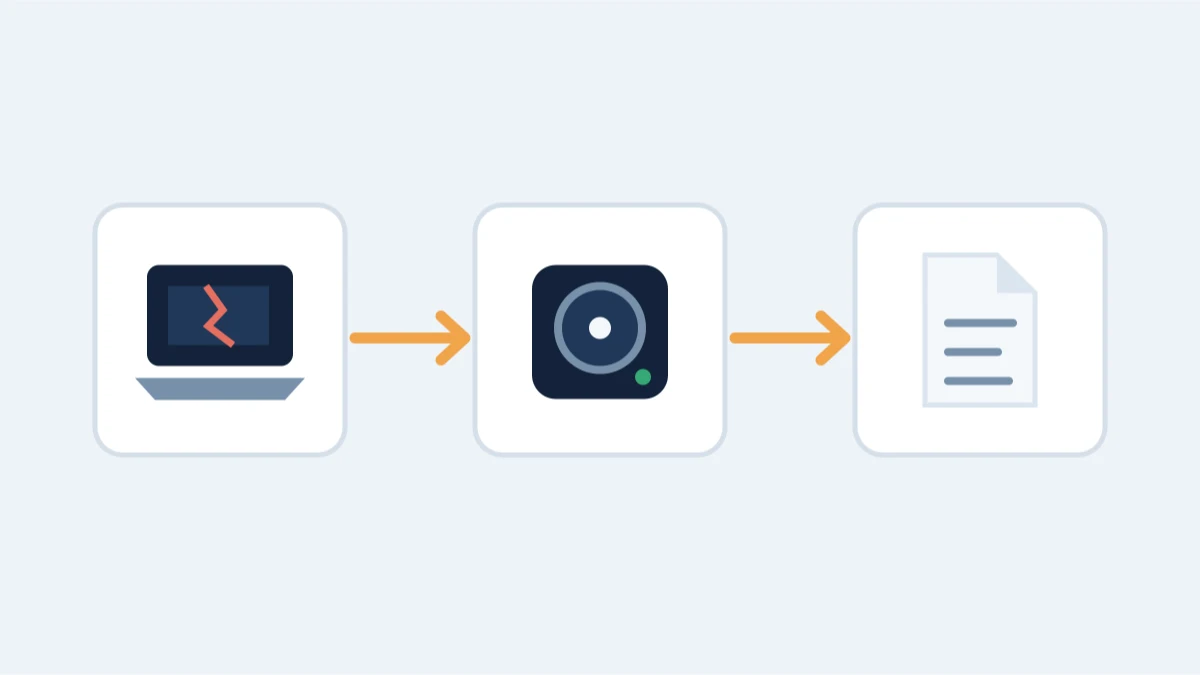
Whether it's a laptop that won't power on, a drive making clicking noises, or files that vanished after a crash, the fix starts the same way: stop touching the drive, and work out what's actually on it before you decide anything is gone.
The first rule: stop using the device
If the drive makes sounds, was dropped, or got wet, do not keep powering it on. Every attempt can cause more damage. If files were deleted, every new write to the disk lowers the chance of recovery.
What is realistic
- A laptop that will not boot but whose drive is intact: connect the drive to another machine and copy the wallet files off.
- A failing drive: a controlled disk image (clone) preserves what is there, and recovery proceeds on the copy.
- Deleted wallet files: if the drive has not been heavily reused since, we can often recover them.
- After the files are back, the wallet problem is what it always is: an encrypted file, a password, or a seed phrase.
What to check first
Which wallet software was on the machine, where its data lived (e.g., Bitcoin Core's wallet.dat, Electrum's wallet directory, browser storage), and whether you already have backups elsewhere.
What is not realistic
- A drive that was wiped and overwritten, with no backup anywhere.
- Recovering a wallet whose files are intact but whose password or phrase is completely gone: that is a separate problem, not a hardware one.
What to do right now
The first minutes decide how much can be recovered:
- Stop using the computer or drive immediately. Every boot, every login, every file write can overwrite the very data that would be recovered.
- Unplug the drive if you can, and do not run repair software, formatting, reinstalls or 'disk fix' utilities.
- Note the situation: does the machine boot at all? Does the drive make noise? Where was the wallet data (app data folder, Documents, an old backup)?
How recovery works on a dead machine
- A drive that still spins: we image it forensically and work from the copy. The original stays untouched.
- A drive with physical damage: we image around the damage wherever the platter still allows it. What survives depends on what caused the damage and whether the drive kept running afterward - which is exactly why the first rule above matters most here.
- A laptop with a dead screen or board: the drive can often be removed and read in another enclosure. The wallet file lives on the storage, not the display.
- Deleted wallet files: if nothing has overwritten them, undelete and file-carving recover the data; every write since deletion reduces the odds.
The honest answer after an assessment is usually clear: preserved drives and untouched files are often recoverable; drives that were reformatted or heavily used since are not.