
Blog
wallet.dat Password Recovery: Recover & Open a Locked Bitcoin Wallet

Technical review: · checked against vendor documentation
In short
A wallet.dat password search needs preserved encrypted wallet data and a plan for which passwords to test. The filename alone does not establish the wallet’s format, ownership or ability to spend. This guide covers the file-level checks that apply to Bitcoin Core and related wallets such as Litecoin Core and Dogecoin Core.
- Back up the original and identify the wallet software and database format before choosing a recovery tool.
- Test remembered password patterns offline on a copy or suitable extracted hash. The candidate count and cost per guess determine feasibility.
- Check older backups separately: they may contain different keys or use an earlier password. Deleted or damaged files need preservation and data recovery first; a watch-only file does not supply private keys.

You have the wallet.dat file, or a backup of it, and the password that opens it is gone. Before you type a single guess, it's worth understanding what that password actually protects: it decides what a search can do, how long it takes and why it must run against a copy.
What wallet.dat actually is
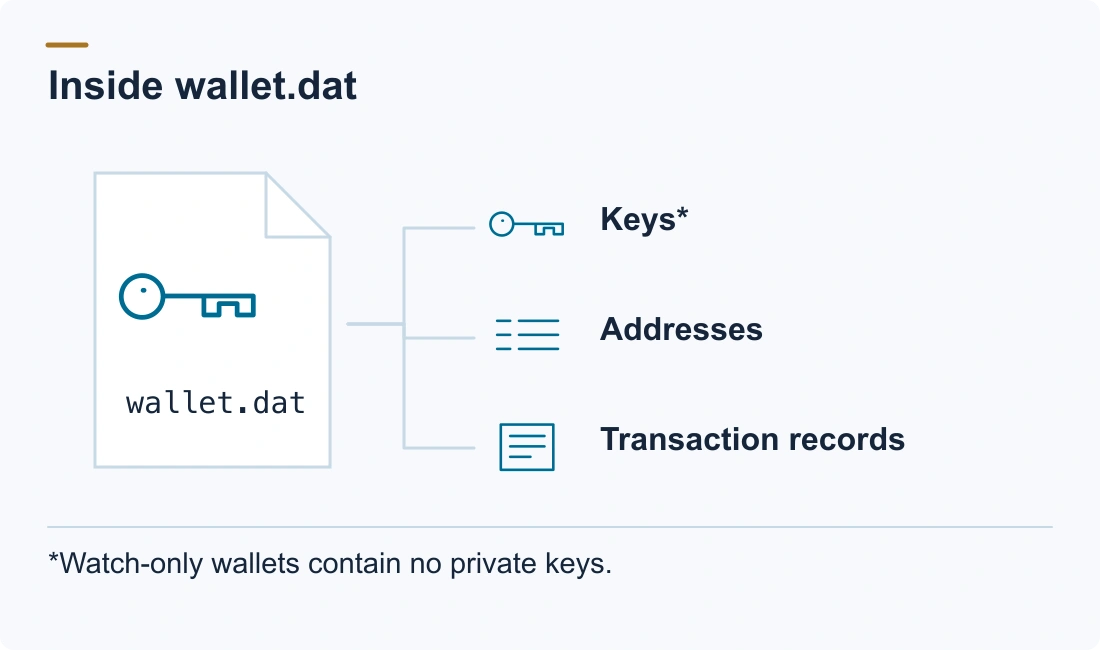
wallet.dat is the wallet file of Bitcoin Core and its forks; Litecoin Core, Dogecoin Core, Dash Core and others use the same mechanism under different names and folders. It stores your keys, addresses and transaction history. The format matters because it decides which software can open the file; for password recovery, the important part is that the keys inside are encrypted.
Where the file lives
- Bitcoin Core (Windows):
%APPDATA%\Bitcoin\wallets\wallet.dat(newer) or%APPDATA%\Bitcoin\wallet.dat(older installs) - Bitcoin Core (macOS):
~/Library/Application Support/Bitcoin/wallets/wallet.dat - Bitcoin Core (Linux):
~/.bitcoin/wallets/wallet.dat - Litecoin Core: the same layout under
~/.litecoinor%APPDATA%\Litecoin - Dogecoin Core: under
~/.dogecoinor%APPDATA%\Dogecoin
If a wallet was ever damaged and repaired, Bitcoin Core leaves a timestamped backup (wallet.dat.<timestamp>.bak) in the same folder. That recovered copy is sometimes a better search target than the repaired main file.
What's inside
Older wallets (before Bitcoin Core 0.21) used the Berkeley DB format and stored keys directly, along with addresses, keypool counters and transaction history. Modern wallets use SQLite with the descriptor-wallet architecture and can store an encrypted HD seed. Either way, the private keys — or the seed that derives them — are what the password protects.
How the encryption works
Bitcoin Core doesn't encrypt keys one by one with your password. It works with two layers:
- When you encrypt the wallet, Bitcoin Core generates a random master key (the "mkey") and uses it to encrypt the actual key material with AES-256-CBC.
- It then encrypts that master key with a key derived from your password. The derivation repeats many hashing rounds on purpose (historically through EVP_BytesToKey, OpenSSL's password-to-key routine, with SHA-512 and the number of rounds stored in the file).
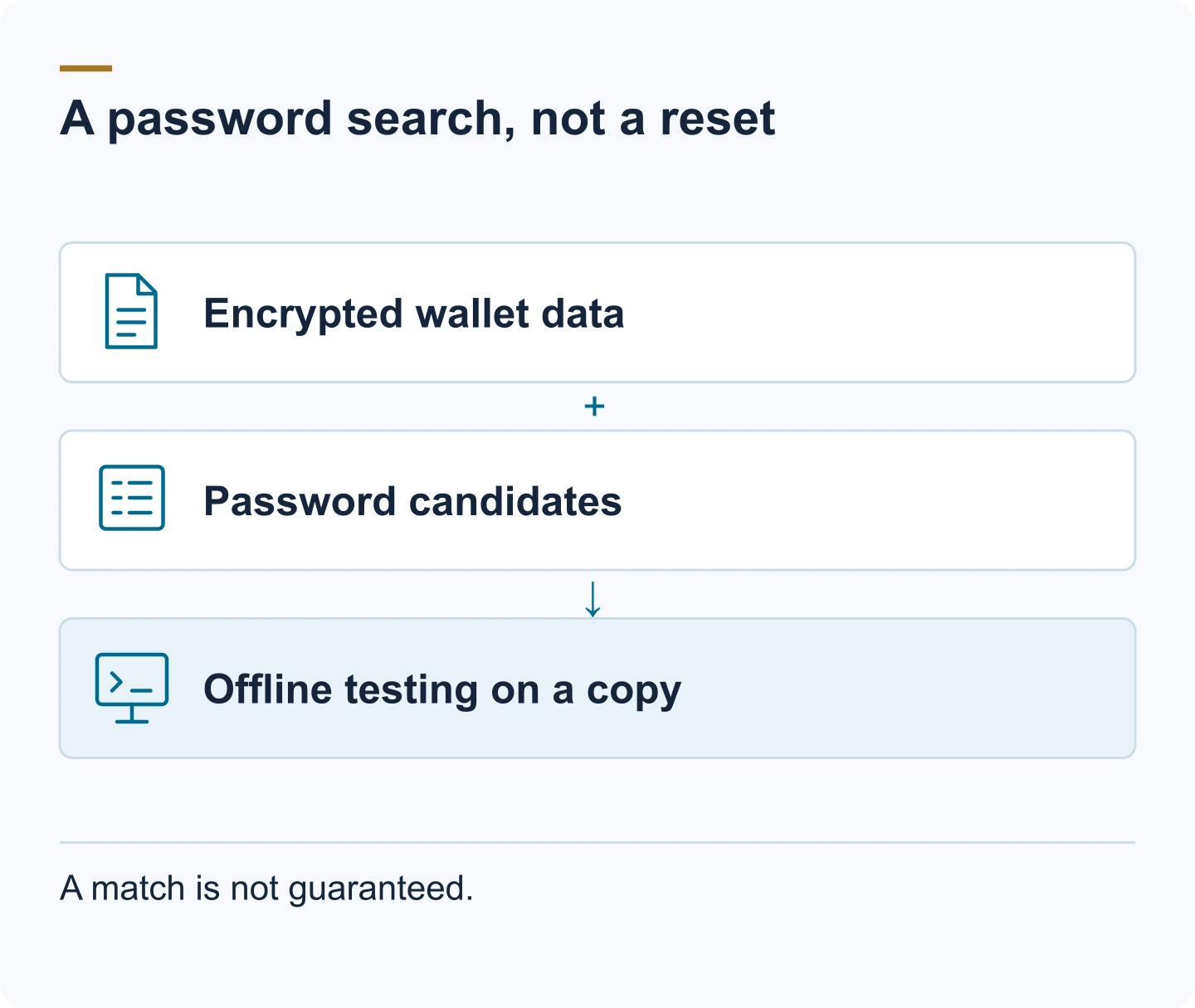
That deliberate repetition is the whole reason password recovery is a search problem rather than a reset. The search has to run every candidate password through that derivation and check it against the encrypted master key, and each attempt costs real CPU time. It's also why an old wallet is faster to search than a new one: wallets encrypted years ago stored a lower iteration count, so each guess is cheaper than on a wallet encrypted with modern settings.
Two practical consequences follow:
- What the search needs is the file, not a password you remember using on some other service. Without the file (or a backup of it), there's nothing to search.
- Where the format allows it, the search runs against an extracted hash of the encrypted master key instead of the live file: a short text line beginning
$bitcoin$, which a helper script such as bitcoin2john pulls out of the wallet. That means you never have to send the file itself anywhere, and a wrong tool can't damage your only copy.
What a recovery search needs
- An exact copy of the file — never the original. Record its SHA-256 hash first so you can prove later that nothing changed.
- Everything you remember about the password: length, structure, words, dates, capitals, substitutions, and habits from that era.
- The wallet version and format, if you can determine them (old Berkeley DB vs modern descriptor wallet; the stored iteration count).
- The keyboard layout and character set you were using when you set the password: a capital or symbol that "doesn't work" is often an encoding difference, not a wrong password.
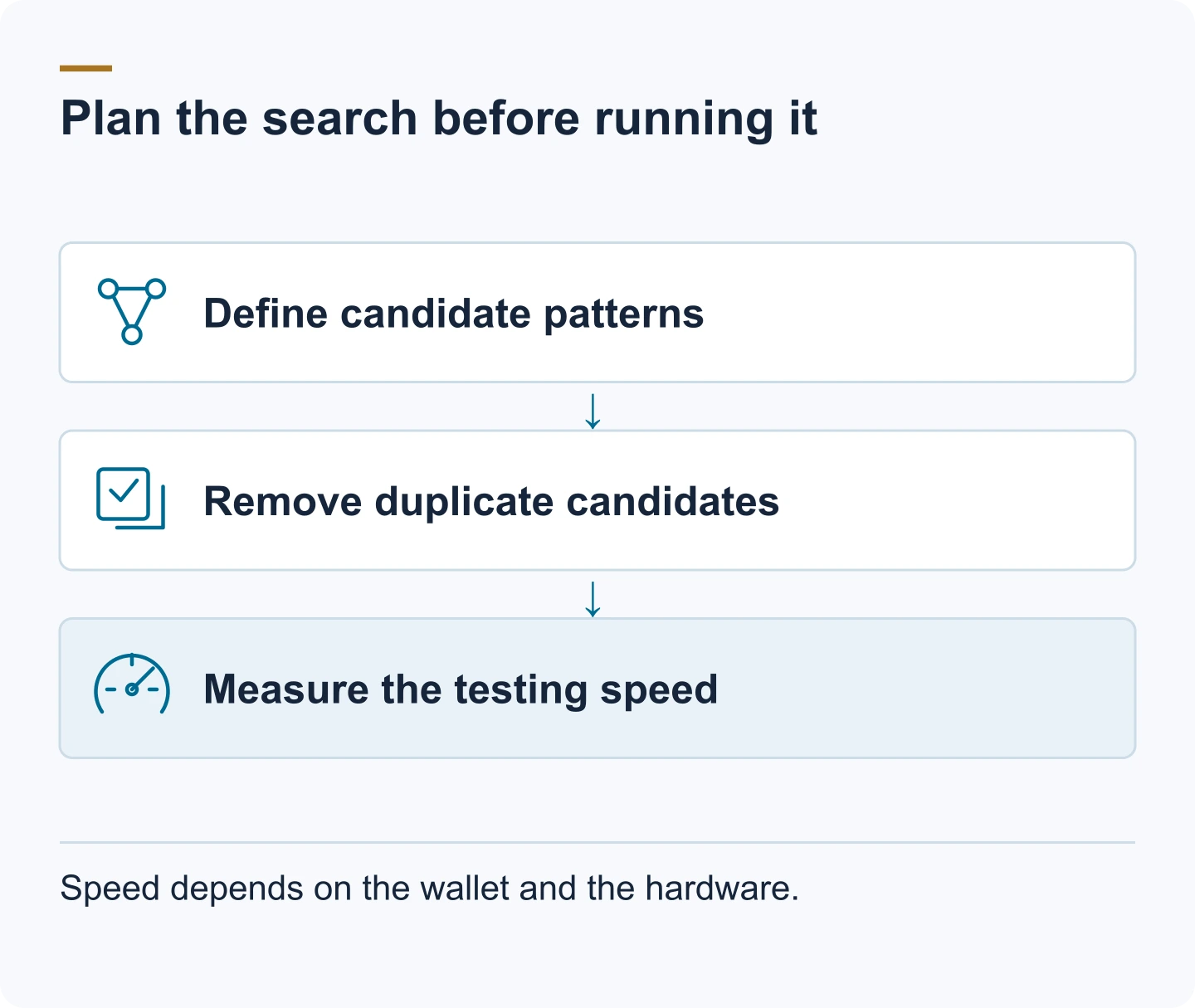
The candidate strategy affects the size of the search. A search that includes a pattern such as "started with the dog's name and ended in a two-digit year" is a different technical problem from a broader search.
Feasibility: what decides it
If you remember the pattern (a base word plus a few unknown slots), a bounded search is often realistic, in minutes to days depending on how much is unknown. If you remember the general shape but not the exact characters, the same applies as long as the unknown part stays small. If there is no wallet.dat and no backup, there is nothing to search: a password can't be recovered from memory alone, and no service can change that.
A worked example makes the scale concrete. If your password was a single base word from a list of 10,000 possible words plus a four-digit year, the search space is roughly 10,000 × 10,000 = 100 million candidates: a bounded, often successful search. If the password was ten random characters drawn from a 90-character set, the space is about 90¹⁰ ≈ 3.5 × 10¹⁹, and a search of that size does not finish. Everything between those two examples is a question of how much structure you can still describe, and that is the honest limit an assessment has to establish before anyone commits.
The steps in order
Step 1 — Copy and hash
Copy wallet.dat (and the .bak, if present) to two separate locations before doing anything else. Record the SHA-256 of each copy. Everything from here on runs against a copy, never the original.
Step 2 — Identify the version and format
Determine which wallet you have: Berkeley DB (legacy) or SQLite descriptor wallet. The file command, the wallet's folder, and the Bitcoin Core version that last opened it all help. The format tells you which software can open the file and which extraction path the search will use.
Step 3 — Build the candidate list
Write down every password you can imagine using: words, names, dates, years, the pattern of capitals and symbols, and substitutions you habitually made. The more structure you recover from memory, the smaller the search.
Step 4 — Run the search offline
Run the search on a machine that isn't connected to the internet, against the copy or the extracted hash. Two open-source tools do this systematically: BTCRecover, whose token-list mode builds candidates from the fragments and rules you give it, and hashcat, a general password-recovery tool that takes the $bitcoin$ hash directly (its wallet.dat mode is number 11300). Never paste the file, the hash or your password guesses into a website that offers to "check" them.
Step 5 — Open the wallet and move the funds
Once the search finds the password, open the wallet with the original software or a compatible client, verify the balance against a block explorer, then move the funds to a fresh wallet you create yourself. Treat the old wallet as retired.
Edge cases worth knowing
Bitcoin Core writes a timestamped .bak file when it repairs a damaged wallet. That backup may hold the same keys in a different, often older state, and sometimes it was encrypted with the password in use at that time, which makes it worth searching separately.
A wallet that was never encrypted has no password at all. The file opens without one; if it "asks for a password", you're looking at a different wallet or a corrupted file. And if you changed the password years ago, only the most recent one works: re-encrypting the wallet makes every older passphrase irrelevant.
Special characters cause the most common false negative. A symbol typed on a different keyboard layout produces different bytes, so testing the same password under another layout is part of the search, not a sign that your memory is wrong.
A deleted wallet.dat is a different problem. Stop using the drive immediately; deleted-file recovery or disk imaging comes first, and our guide on safe handling of old wallets and drives covers that step. Pruning, finally, affects blockchain data, not keys, and a watch-only wallet contains no private keys and nothing to recover.
Bought wallets
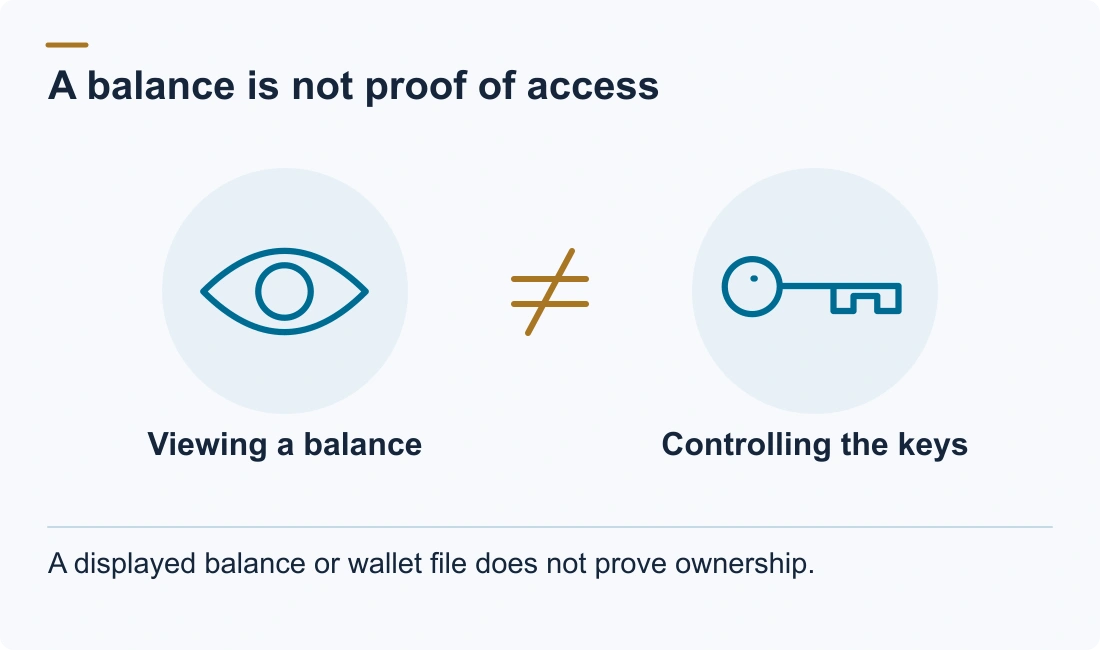
A wallet.dat, hash, or "wallet with a balance" bought from the internet is almost always manipulated, and ownership cannot be proven. We can't help with bought wallets: recovery requires genuine ownership and real material, and a search needs more than a password length.
When professional help makes sense
A specialist runs the same kind of search under the same limits, with two differences: the feasibility judgement comes before you commit, and the wallet file never travels through a form or chat, because the search runs on an extracted hash or a copy. Describe what you have and what you remember in a confidential assessment, and you get a plain answer on whether the search is realistic. We agree no recovery, no fee in writing before work starts.
FAQ
Can wallet.dat be recovered without the password?
Only if the wallet was never encrypted, in which case no password is needed. If it was encrypted and the password is gone, recovery means testing candidates against a copy of the file. There's no backdoor, and no service can decrypt it without the password or the material to search.
Does wallet.dat contain a seed phrase?
Modern Bitcoin Core wallets can store an HD seed, encrypted inside the file; older wallets store keys directly. There's no separate 12- or 24-word paper phrase for Bitcoin Core unless you imported one into the wallet, in which case the seed itself is inside the file.
Does the wallet version matter for recovery?
Yes. The format (Berkeley DB vs SQLite descriptor wallet) decides which software can open the file and which extraction path the search uses, and the stored iteration count decides how expensive each password guess is, which is why older wallets are faster to search than new ones.
How long does a wallet.dat password search take?
It depends on the size of the candidate space and on how expensive each guess is. A base word plus a year is about 100 million candidates, which a bounded search gets through in minutes to days; ten random characters is about 3.5 × 10¹⁹, which it never gets through. An old wallet with a low iteration count tests faster than a new one. The free assessment gives a case-specific estimate, never a guarantee.
What if my wallet.dat was deleted?
Stop using the drive immediately and work from a copy or disk image. If no copy exists anywhere, deleted-file recovery on the original drive is the only route; see the guide on safe handling of old wallets and drives.
Can wallet.dat password recovery return stolen crypto?
Recovering a wallet.dat password can restore access to the keys stored in that file; it cannot reverse a confirmed blockchain transaction. We assess wallet access recovery for verified rightful owners and do not handle stolen-funds or scam cases.