
Knowledge base
Tokens Not Showing: Network and Token Standard Confusion
Tokens usually are not lost - they live on the same address as the native coin. Missing tokens are almost always a display, network or import problem, not a recovery problem.
Short answer
A missing token balance is usually a display problem, not lost funds: the wallet is looking at the wrong network, token standard or address. Check where the wallet is looking before assuming loss.
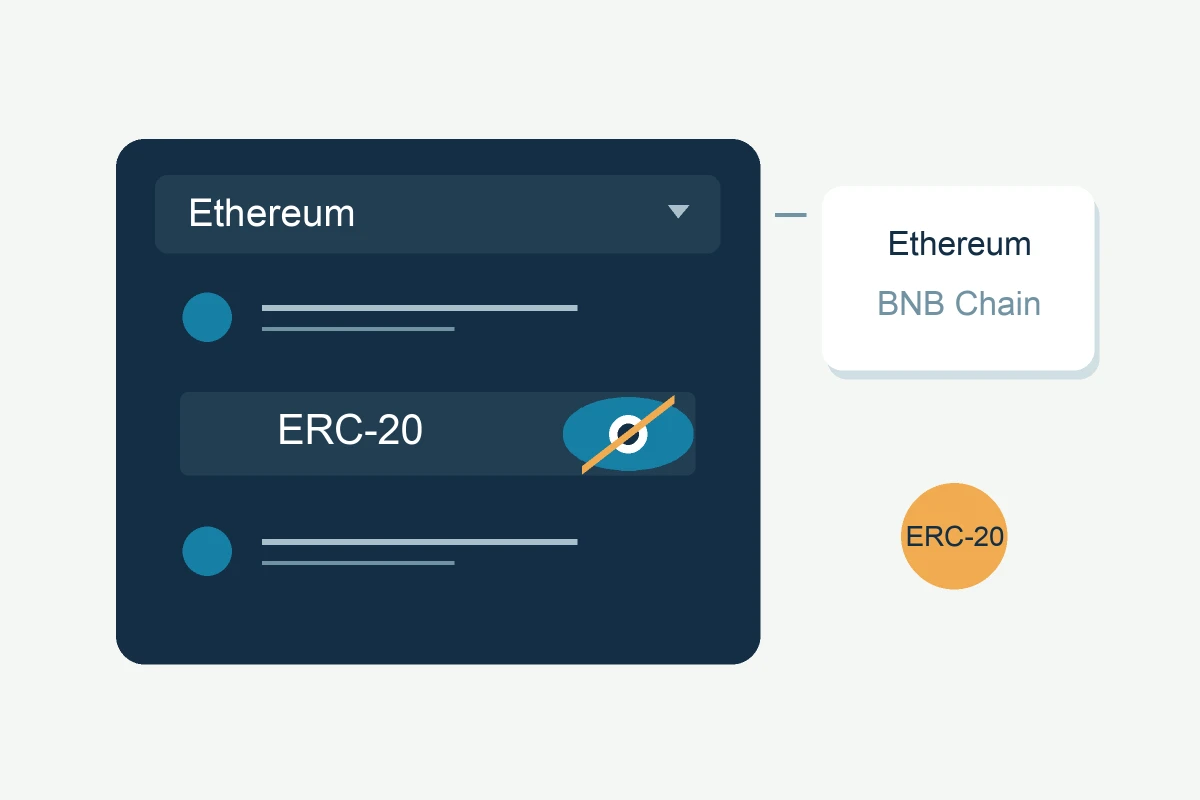
When a token balance disappears, the first question is not 'where did it go' but 'where is the wallet looking'. Tokens are not standalone coins: they live on the same address as the network's native coin (ETH, BNB, TRX), and the wallet has to be told to display them.
The token standards
- ERC-20: tokens on Ethereum; same address as your ETH
- BEP-20: tokens on BNB Smart Chain; same address as your BNB
- TRC-20: tokens on Tron; same address as your TRX
Each standard belongs to its own network. A USDT balance can exist on several of them at once — the same wallet, three different chains.
Why tokens look missing
- The wallet is showing the wrong network or chain: restore the seed, then check that the network view matches the chain the tokens were on.
- The token is not added to the wallet's visible list: most wallets require a manual import (contract address + symbol + decimals) before a token shows.
- The wallet scans only the default account or address: add accounts and increase the gap limit, exactly like a zero-balance restore.
- The seed was restored with the wrong derivation path or address type: the address holding the tokens is simply not among the scanned ones.
- The token contract changed or migrated: old contract versions may be inactive; check the project's official migration notices.
What to do first
- Check the network indicator in the wallet; wrong network is the most common cause.
- Add the token manually with its official contract address (never from a random site; contract addresses from the project's verified sources only).
- Restore on the correct derivation path and add accounts if balances are empty.
- Verify on a block explorer: look up the address on the correct chain and see whether the token balance is really there.
When it is a recovery case
- The seed or file is inaccessible and the tokens sit on an address you cannot reach: the normal wallet-recovery rules apply.
- Tokens sent on the wrong network may remain accessible if you control the receiving keys and the network and wallet are compatible. For an exchange deposit, including one missing a required memo or destination tag, contact the platform: its supported networks and recovery procedure determine the available options. Recovery is not guaranteed.
- A scammer drained the tokens: transactions are irreversible, and that is a police matter, not a recovery case.
Tokens that are simply not displayed are not a recovery problem at all, and fixing the display is usually free and immediate. If a pending or failed transaction made the balance look wrong, see how gas fees work first.
Still locked out?
The first assessment is free, and it asks for no wallet secrets. Describe what you still have — a file, a phrase, a device, or what you remember — and we’ll tell you whether recovery is realistic. You only pay if the recovery succeeds.