
Blog
Fake Ledger Devices & Scams: How to Spot Them

Technical review: · checked against vendor documentation
In short
Ledger scams commonly impersonate support, updates or device replacements to obtain recovery words or an unsafe transaction approval. A message using your real name or address is not proof that it came from Ledger. Open official channels independently and use the device’s genuine-check process; packaging alone does not establish authenticity.
Never use a recovery phrase supplied with a supposedly new device or disclose your words to a caller, chat or verification website. If the phrase was exposed, changing the PIN does not secure it: protect remaining assets using a fresh wallet created on trusted equipment. Access recovery for a forgotten credential is separate from theft; Crypto Recovers does not reverse stolen-asset transactions.
An email arrives with your real name and your real address, warning that your Ledger needs a firmware update or that you qualify for a "Ledger Recover" migration, and linking to a page that asks for your 24-word recovery phrase. That email is a scam, and so is almost everything else that claims to be Ledger and asks for those same 24 words: fake websites, fake devices, fake support, and fake recovery agents. Knowing how each one works, and what to do in the first minutes if you already gave up the phrase, is what actually protects you.
Why Ledger users are the favorite target
A hardware wallet is only as strong as the 24-word recovery phrase behind it. The device itself is hardened, but the phrase is the single point of failure: anyone who holds those 24 words can regenerate every private key and drain every account without ever touching your Ledger. Scammers know this, and every Ledger scam has the same objective - obtain the phrase, or trick you into approving a transaction you don't understand.
If an email, website, app, or person asks for your recovery phrase, a "verification" of your words, or a photo of your seed card, the conversation is a scam regardless of how official it looks.
Phishing emails and text messages
In July 2020, Ledger's e-commerce and marketing database was breached, exposing the names, email addresses, and in many cases postal addresses of approximately 272,000 customers, plus more than one million email addresses in total. The breach did not expose private keys, seed phrases, or wallet data - the leaked data was contact information only. What followed was a sustained phishing campaign that used that real customer data to make fake contact look credible: emails with your real name, referencing your real address, claiming your device needed a firmware update, your accounts were at risk, or that you qualified for a "Ledger Recover" migration. Every one of those emails pointed to a website asking for your 24-word recovery phrase.
Ledger will never ask for your recovery phrase by email, text message, or any online form. The phrase is entered on the physical device only, during initial setup or restoration. It is never typed into a website, an app, or a chat window - not for verification, not for "security", not for support. If any communication asks for it, it is a scam. Delete the message, do not click the link, and do not reply.
Fake websites and fake Ledger Live apps
Fraudulent domains mimicking Ledger appear in search results, in paid advertising slots, and in phishing emails. Common patterns include domains that add hyphens or extra words, deliberate misspellings, and “support” or “download” variants of the Ledger name. These sites can look identical to the real thing and offer to help you sync, verify, or restore your wallet. All of them need your seed phrase.
The only legitimate domain is ledger.com, and the official support site is support.ledger.com. Ledger Live is downloaded from the official Ledger website or from official app stores only - never from a link in an email, a search advertisement, a YouTube description, or a pop-up. Fake "Ledger Live" apps have also been distributed through unofficial Android stores and sideloaded APKs, and malicious browser extensions impersonating Ledger have appeared in extension stores. Check the developer name and the download count before installing any extension. If it asks for wallet permissions, it isn't Ledger's, whatever the listing claims.
Fake Ledger devices
Counterfeit Ledger devices exist — Ledger’s genuine check in Ledger Live is there to detect them. Externally these devices can look identical to genuine Ledgers; internally the firmware is modified. The most dangerous variant arrives pre-loaded with a seed phrase already known to the attacker: any funds sent to addresses derived from that phrase are immediately accessible to them, even before the buyer has set up the device.
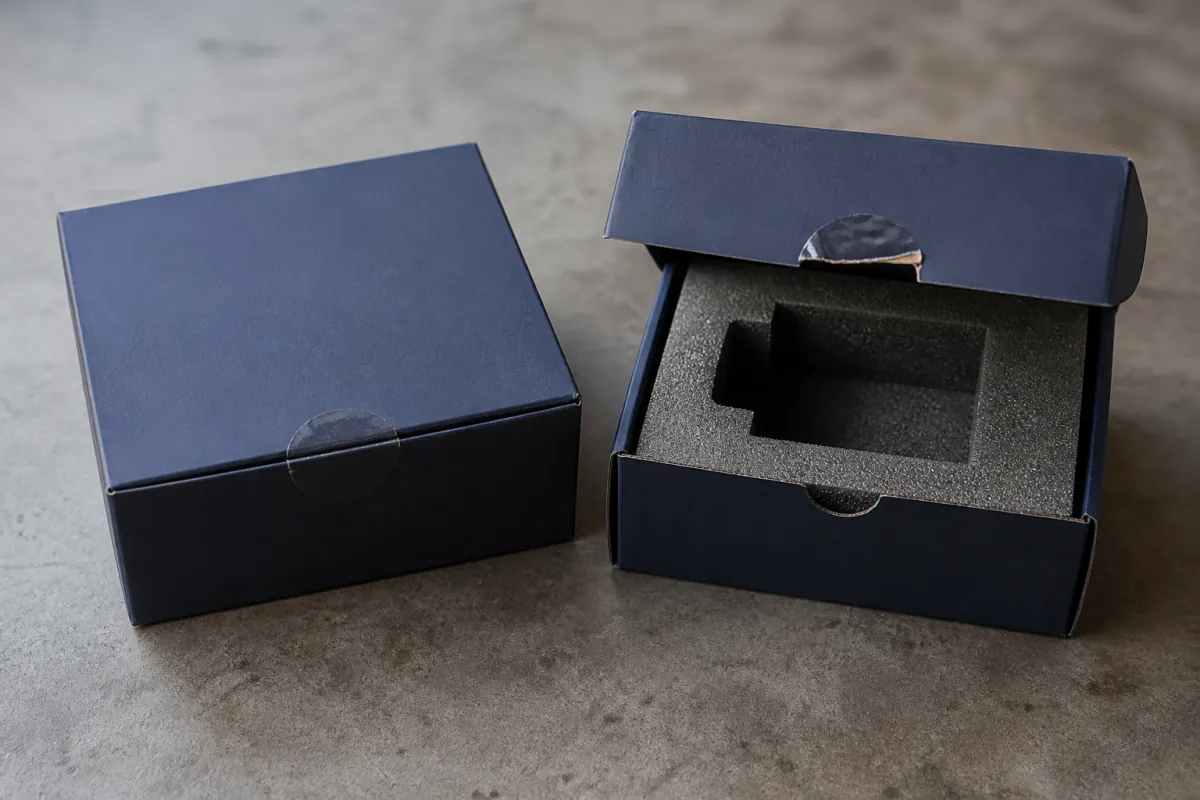
Some fake devices instruct users to enter a phrase printed on a card inside the box instead of generating a new one. A genuine Ledger always generates a fresh, random 24-word phrase during first-time setup and never provides a pre-written one. Buy only from ledger.com or from Ledger's officially listed authorized resellers, and never from marketplaces. When a new device arrives, run the genuine check in Ledger Live before adding funds: it uses a cryptographic challenge to verify that the Secure Element chip is authentic. Cheap plastic and a loose screen are common counterfeit tells. An absent packaging seal is not evidence of a counterfeit: Ledger relies on the Genuine Check rather than an anti-tamper seal.
Fake customer support and "recovery" scammers
Scammers actively monitor Reddit, Telegram, Discord, and Twitter/X for users posting about wallet problems, then offer help by direct message. The assistance always leads the same way: a request for your seed phrase, or a link to a fraudulent website. Ledger's official support channel is support.ledger.com. There is no official Ledger support via any direct messaging platform, and Ledger staff never ask for your seed phrase under any circumstances.
A second, crueller wave targets people who have already been scammed. After funds are lost to a phishing site or a fake wallet, "recovery agents" contact the victim claiming they can trace and retrieve the stolen coins - for an upfront fee or a percentage. These are recovery scams. Legitimate companies do not contact you out of the blue, do not charge upfront fees to "unfreeze" or "trace" stolen funds, and never need your seed phrase or private keys. If someone promises to recover stolen crypto in exchange for an advance payment, that promise is the scam. The full pattern is explained in our recovery scam guide.
If you already gave your phrase to a scammer
Act immediately. The wallet is compromised the moment someone else has those 24 words - they can regenerate every private key and drain every account, and they often do so within minutes or hours.
- Move any remaining funds to a completely new wallet generated on a clean device with a fresh seed phrase. Do this first, before anything else.
- Transfer every asset from every account derived from the compromised phrase, including accounts in other wallets that used the same phrase.
- Only after the funds are moved, reset the compromised device and never reuse the old phrase for anything.
Do not try to "lock" the wallet by changing the PIN or updating firmware first: none of those steps protect against someone who already has the phrase. And do not use any recovery service that asks you to send the compromised phrase, a photo of it, or password guesses - a phrase that has touched a scammer's hands is burned, not recoverable. If you're unsure whether something was a scam, the warning signs guide helps you check before you act.
What Crypto Recovers does
We work on legitimate access recovery: people who still own their funds but can't reach them because of a forgotten PIN, a lost or partially damaged seed phrase, or a broken backup. We do not work on theft recovery or fraud cases - the same rule that protects our clients from recovery scams. If your situation involves lost access rather than theft, request a confidential assessment here to recover your Ledger wallet.
FAQ: Fake Ledger scams
How can I tell if my Ledger is genuine?
Use Genuine Check in the official Ledger app; it verifies the device cryptographically. Packaging seals and holographic stickers are not proof of authenticity. When creating a new wallet, the device generates its phrase itself. Never use a phrase or PIN supplied in the box.
Does Ledger ever ask for my recovery phrase by email or support chat?
Never. The recovery phrase is only ever entered on the physical device. Any email, chat, or website asking for it is a scam, even if it uses your real name and address.
I received a message saying my Ledger account is at risk. What should I do?
Do not click any link. Genuine Ledger security notices point to ledger.com or support.ledger.com and never ask you to enter your phrase or download a file. Open ledger.com directly and check your device in Ledger Live instead.
Can a fake Ledger device steal my funds?
Yes. Counterfeit devices can be pre-loaded with a seed phrase known to the attacker, so any funds sent to the derived addresses can be drained immediately. Buy only from ledger.com or official authorized resellers and run the genuine check before adding funds.
I already sent my seed phrase to a scammer. What now?
Move every remaining balance to a new wallet with a fresh seed phrase immediately, generated on a clean device. Do not add more funds, do not change the PIN first, and never reuse the compromised phrase.