
Knowledge base
Wallet Compatibility: Which Seed or Backup Restores What
Not every recovery phrase or backup file works in every wallet. This matrix shows what restores what - and where compatibility stops.
Short answer
Compatibility follows the standard, not the brand: the same seed or backup restores a whole family of wallets, but only when the standard, derivation path and address type match. A phrase that works in one wallet can show an empty balance in another with different defaults.
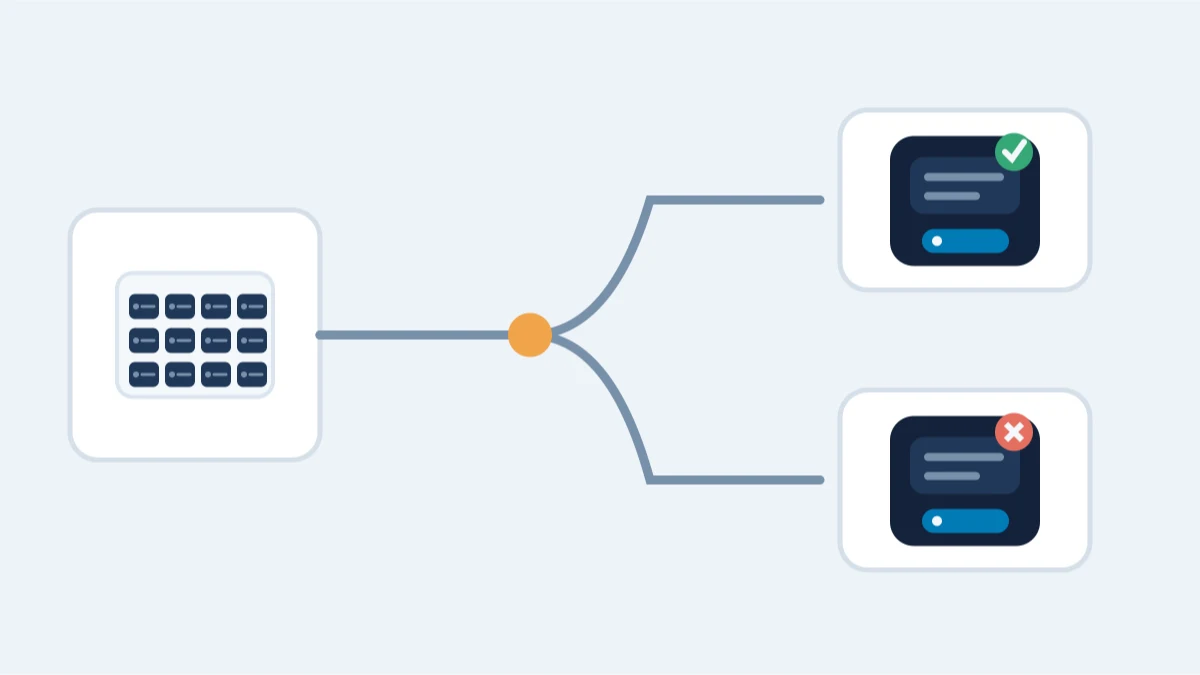
Compatibility is about the standard, not the brand. The same type of material restores a whole family of wallets, but only if the standard, derivation path and address type all match.
Seeds
- BIP39 phrase: restores Ledger, Trezor, MetaMask, and most BIP39-compatible software and hardware wallets; the phrase itself is interchangeable, the derivation path must still match
- Electrum seed: restores Electrum (compatible versions); it is not a BIP39 phrase and will not restore BIP39 wallets
- SLIP39 shares: restore Trezor Shamir backups and other SLIP39-compatible devices; the shares reconstruct the underlying seed
- Monero 25-word seed: restores Monero wallets (official CLI, Feather, Cake, and other compatible software); nothing else
- 12/24 words that fail the BIP39 checksum: may still be valid under another standard; identify the standard before calling the seed invalid
Wallet files and backups
- wallet.dat: Bitcoin Core and forks such as Litecoin Core and Dogecoin Core. Compatibility depends on the product, version and file format. Bitcoin Core 30+ cannot load legacy Berkeley DB wallets directly; preserve the original and follow the official migration procedure using a release that includes the migration fixes.
- Ethereum keystore / UTC JSON: any Ethereum wallet that supports keystore import (MEW, MyCrypto, Geth, MetaMask import); the password decrypts the keystore
- Electrum default_wallet: Electrum only
- MultiBit .wallet: MultiBit Classic era, not importable into modern wallets; export/sweep routes exist instead
- Blockchain.com wallet.aes.json: Blockchain.com legacy wallet, not importable elsewhere
- App vaults (MetaMask vault, Jaxx, Coinomi, Exodus): app-specific; the vault format is tied to the software that created it
- Solana keypair JSON and Polkadot JSON backups: software-specific export formats
- Paper wallet (WIF or QR): importable into almost any wallet via sweep/import; sweep once and move the full balance
The three things that must match
- Standard (BIP39 vs Electrum vs SLIP39 vs Monero)
- Derivation path and account/address index
- Address type and network
Two wallets can both accept the same seed and still show different addresses if the path or address type differs.
Still locked out?
The first assessment is free, and it asks for no wallet secrets. Describe what you still have — a file, a phrase, a device, or what you remember — and we’ll tell you whether recovery is realistic. You only pay if the recovery succeeds.